Restaurant website — what it needs to include
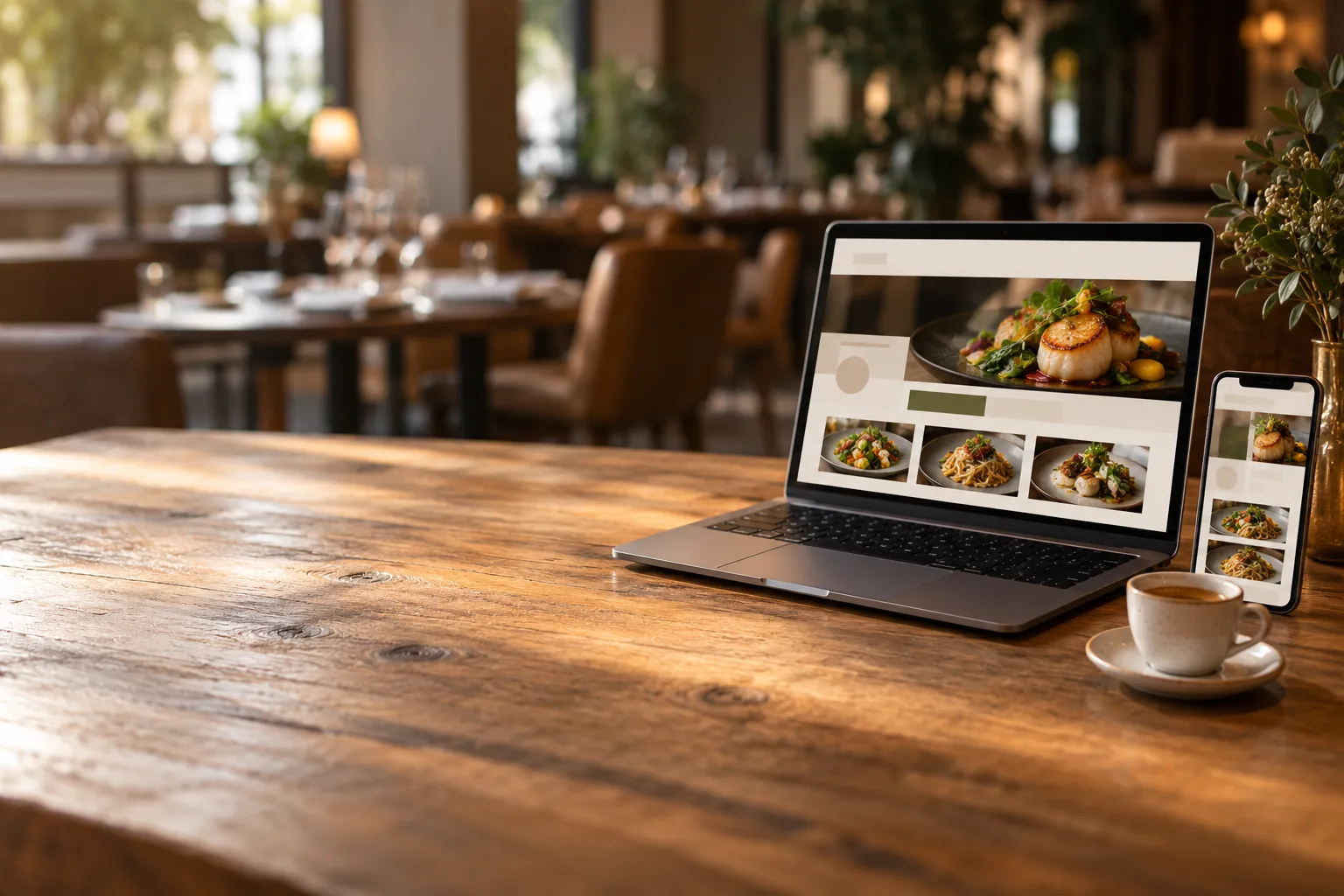
A restaurant website does not need to be an extensive site with dozens of pages. Above all, it should quickly answer the questions customers have before visiting or ordering: what is on the menu, how much it costs, when the restaurant is open, where it is located, how to book a table and whether food can be ordered online.
Problems start when the website was created several years ago and has barely been updated since. The menu is saved as a PDF, the opening hours differ from those shown in the restaurant's search engine business profile, and changing the price of one dish requires calling the person who “built the website years ago”. In that situation, instead of helping, the website can mislead customers.
An outdated website can cost more than having no website at all
When a customer checks a restaurant website, they usually have a specific goal. They want to see the menu, check opening hours, find the address or place an order.
If they find outdated information, problems appear:
- they arrive when the restaurant is already closed,
- they expect a price that has not been valid for some time,
- they choose a dish that is no longer available,
- they cannot find a way to order or make a reservation,
- they have to call just to confirm basic information.
The worst situation is when every website change requires help from an external person. Updating opening hours before a public holiday or removing an unavailable dish should not become an IT project.
The menu should be part of the website, not a PDF file
A PDF is convenient for printing, but it has several drawbacks as the main online menu. On a phone, customers often need to zoom in, scroll in two directions and search for a particular category across several pages.
A better solution is a menu placed directly on the website in HTML format.
This makes it easier for customers to:
- browse categories,
- read descriptions,
- check prices,
- view photos,
- check variants and extras,
- find allergen information.
One price change should be enough
A major problem is maintaining several independent versions of the menu. One is on the website, another in the ordering system, a third in a PDF file and a fourth on the screen used by staff.
If you change the price of a pizza from PLN 32 to PLN 35, you have to remember to update every place. Missing just one means a customer may still see the old price.
It is much safer to use a single menu source that supplies all the channels you need.
Opening hours need to be unambiguous
Customers should not have to wonder whether the opening hours on your website, business profile in search results or social media are the most up to date.
Your website should show:
- opening hours for each day,
- any differences between dine-in and ordering hours, if applicable,
- information about unusual opening hours on public holidays and other exceptional days.
It is worth regularly comparing this information with your restaurant's search engine business profile. Consistent information makes it easier for customers to make a decision and is one of the basic elements of a strong local online presence.
The address, directions and phone number should be easy to find
Simply putting the town name in the footer is not enough. Customers should be able to quickly find the full address and contact details.
The basic information includes:
- the restaurant's full address,
- phone number,
- opening hours,
- directions or location guidance if the restaurant is difficult to find.
The phone number should be clickable on a smartphone. This means customers do not have to copy or type it manually.
If the restaurant is inside a shopping centre, courtyard, side street or has an entrance on another side of the building, a short note explaining how to find it may be more useful than a lengthy company description.
The website should let customers take the next step
Simply presenting the restaurant is often not enough today. If a customer has already visited your website, it is worth allowing them to immediately do what they came there to do.
The most important actions are usually:
- placing an order,
- booking a table,
- making a phone call,
- checking the menu,
- finding the address.
The “Order online” button should lead directly to the ordering process rather than another page with a long description.
The same applies to reservations. If customers can book a table online, the booking form should be easy to find.
If you want to analyse the website sales process in more detail, see the article about online ordering and conversion.
Photos should show your actual restaurant and food
Your gallery does not need dozens of photographs. It is better to show a few up-to-date images than a large number of photos that do not reflect what customers will actually see when they visit.
It is worth showing:
- the dining area,
- the garden or outdoor seating area, if you have one,
- selected dishes,
- distinctive elements of the restaurant.
Photos of dishes should match the actual offer. If a product looks completely different from the photo on the website, the promotional material may cause disappointment instead of helping.
Allergen information and descriptions help customers choose
A customer ordering online does not have a waiter next to them who can immediately answer questions about ingredients.
It is therefore worth including a short, specific description and available allergen information with each dish.
The description can include, for example:
- main ingredients,
- type of sauce,
- size or variant,
- important extras,
- the style of the dish.
You do not need long marketing stories for every item. Above all, the customer should understand what they are ordering.
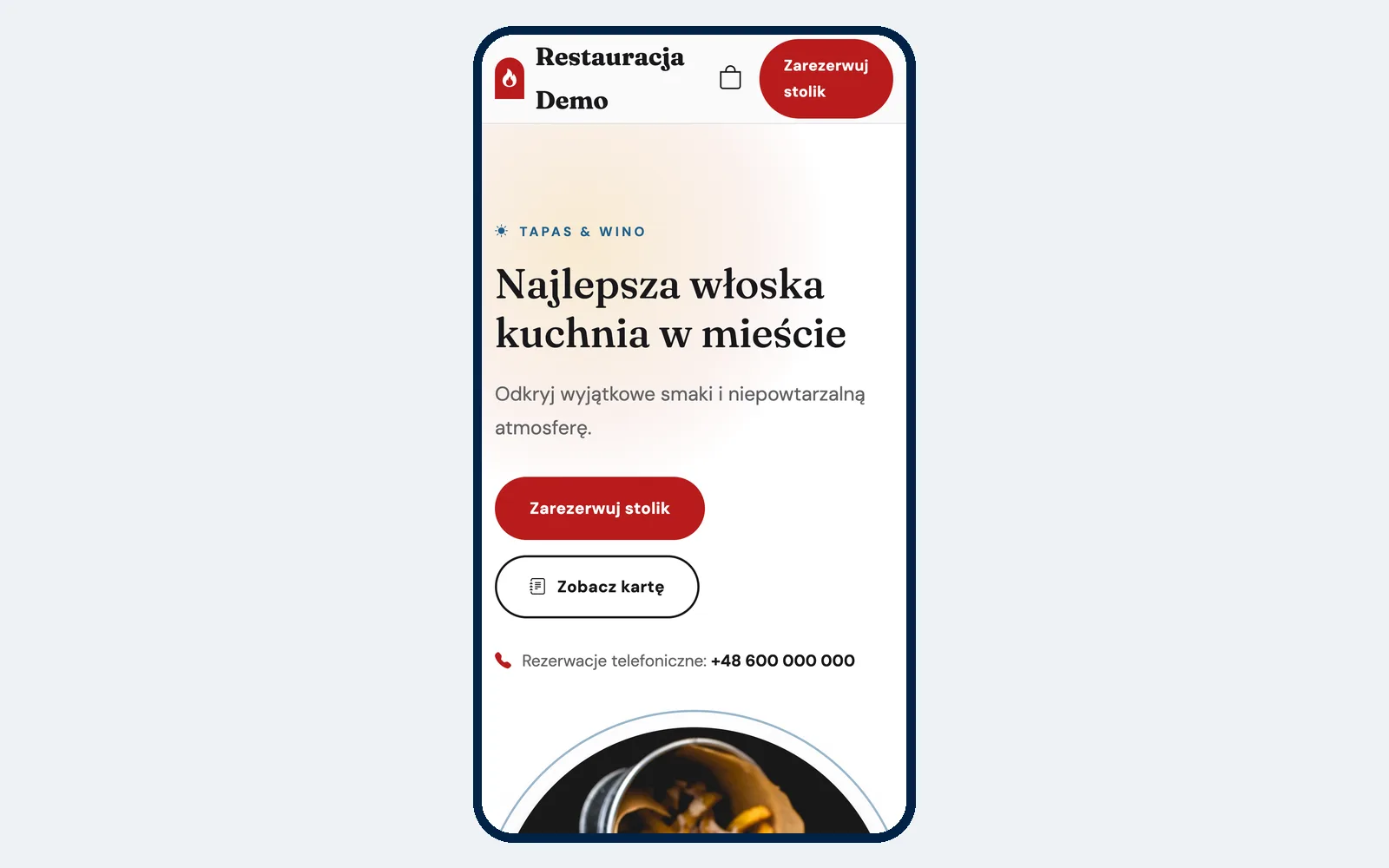
The website must work well on a phone
A good restaurant website should be designed for someone holding a phone in one hand who wants to find specific information quickly.
Check:
- whether the text can be read without zooming in,
- whether the menu requires horizontal scrolling,
- whether buttons are easy to tap,
- whether images slow down page loading,
- whether the phone number is clickable,
- whether an order can be completed from start to finish on a smartphone,
- whether the reservation form is convenient to use on a small screen.
Also test the website using a mobile data connection, not only fast Wi-Fi in the restaurant. Customers may open it in a car, on the street or somewhere with weaker coverage.
Basic local SEO does not have to be complicated
A restaurant does not need an SEO strategy covering thousands of keywords. The first priority should be the basics that help both search engines and customers understand where the restaurant is located and what it offers.
Consistent restaurant details
The name, address and phone number should be written consistently on the website and in the restaurant's search engine business profile.
If one place still shows an old phone number or a different address, it is worth correcting it.
Describe what you actually offer
The website should contain text explaining what the restaurant offers. Do not make the entire site depend only on photos.
If you run a pizzeria in a particular city, it is natural to use phrases such as “pizza in Opole” or “pizzeria in Opole” if they genuinely match your location and offer.
However, you should not artificially repeat the same phrase a dozen times. The text should primarily be useful to people.
Dish descriptions also create website content
An HTML menu has another advantage over an image or PDF: category names, dish names and descriptions become normal website content.
This helps search engines better understand what type of food and offer the restaurant provides.
Facebook should not be the restaurant's only website
A social media profile is a useful communication channel, but it does not give you the same level of control as your own website.
On a social media profile:
- content quickly moves down the feed,
- customers have to search for the latest menu,
- the page layout is controlled by the platform,
- the platform's rules and features can change.
Social media is useful for attracting attention, while your own website can serve as a permanent place for an up-to-date menu, opening hours, contact details, online ordering and reservations.
Subdomain or custom domain?
Not every restaurant needs to buy its own domain on day one. When starting out, an address using the system's subdomain may be sufficient.
For example, this can work well when:
- you are only testing your restaurant concept,
- you want to launch the website quickly,
- you have not yet settled on a permanent brand,
- you do not want to deal with domain configuration at the beginning.
Your own domain becomes more important once the restaurant has an established name and wants to build its brand over the longer term.
What does a custom restaurant domain give you?
An address such as www.yourrestaurant.pl is primarily your own memorable brand address.
You can place it:
- on signage,
- on leaflets,
- on packaging,
- in your search engine business profile,
- on social media,
- in advertising.
Your own domain also gives you greater independence from the address of a particular system. If you promote the same address for years, customers remember the name of your restaurant rather than the technology provider's subdomain.
E-mail on your own domain is a separate service
Having a domain can allow you to use an e-mail address such as contact@yourrestaurant.pl, but owning the domain does not automatically mean you have an e-mail inbox.
E-mail needs to be configured with a chosen e-mail or hosting provider. It is worth remembering this when planning your setup.
Do not make every change dependent on a developer
A restaurant website changes much more often than a traditional company brochure website.
You may need to:
- change a price,
- add a new dish,
- pause sales of an item,
- add a photo,
- change a description,
- update opening hours.
If every such change requires contacting a developer, updates may be postponed. After a few months, the website can start to differ from the restaurant's actual offer.
An editor that can be used by the owner or manager reduces this problem. At the same time, it is worth deciding who in the team is responsible for keeping the information up to date.
How does a restaurant website work in Ranedo?
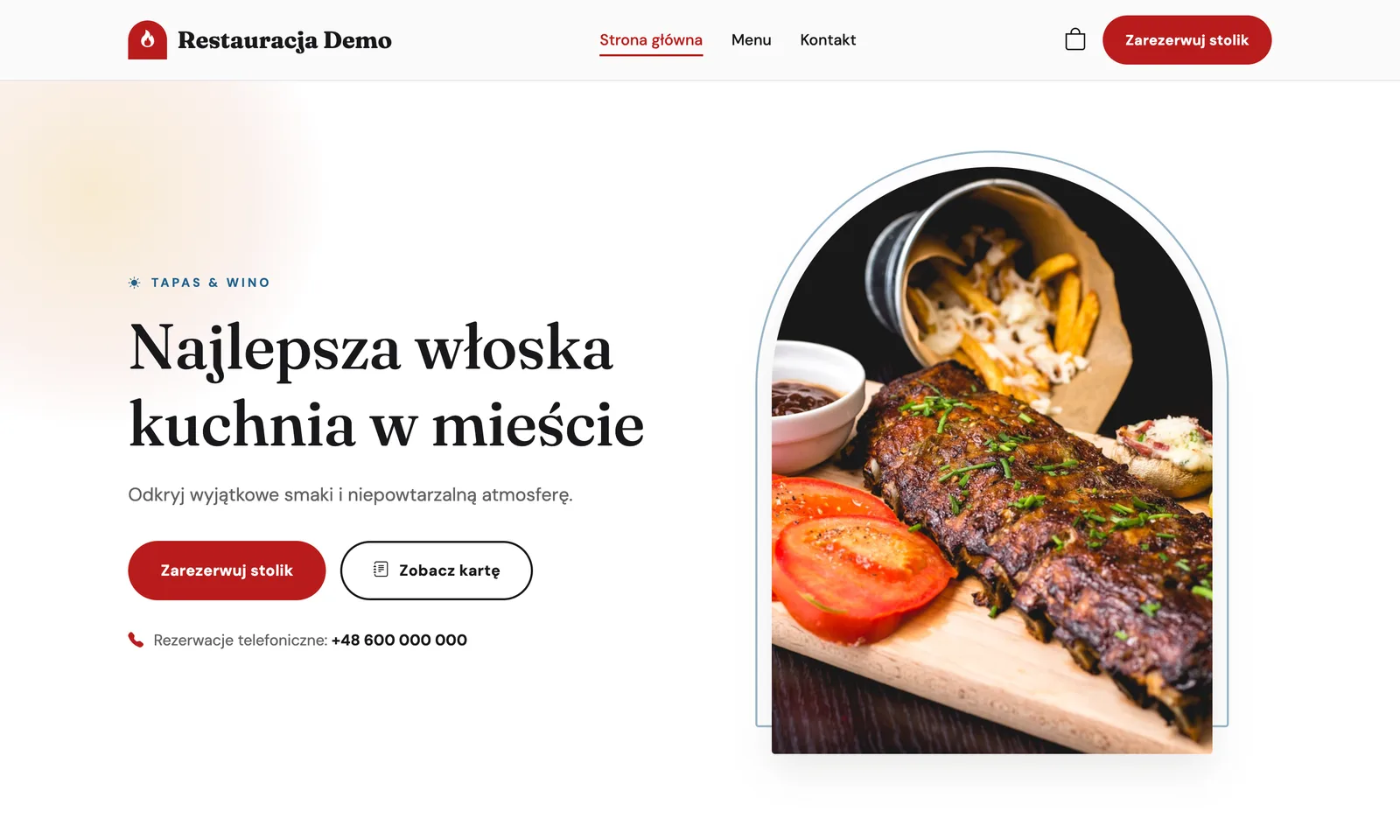
In all Ranedo plans, you can launch a restaurant website based on ready-made templates and edit it without a developer.
The website can include, among other things:
- the restaurant menu,
- photos and a gallery,
- a contact form,
- online ordering.
Messages from the contact form appear in the dashboard.
One menu for the website and ordering
The website menu uses the same data as the ordering system. The same menu is also used by the QR menu and waiter app where those features are available.
If you change a price or product information in one place, you do not have to manually update a separate version of the menu created only for the website.
The menu can include categories, dishes, variants, extras, allergens, photos and labels.
Online ordering in all plans
Starting with the Start plan, the website can accept online orders for collection, delivery, dine-in and custom fulfilment methods configured by the restaurant.
Scheduled orders are also available.
Custom domain in Plus and Pro plans
In the Plus and Pro plans, you can connect your own domain to your Ranedo website, for example www.yourrestaurant.pl.
You purchase the domain yourself from any registrar. Ranedo does not sell domains. DNS configuration is explained step by step in the dashboard.
Online reservations in Plus and Pro
In the Plus and Pro plans, you can add a table reservation form to the website. Reservations appear in the system together with bookings added by staff.
You can read more about organising this process in the article about online table reservations.
Additional website features in the Pro plan
The Pro plan expands the website with several additional features.
These include:
- a website without the Ranedo footer, providing a white-label option,
- a menu widget that can be embedded on another website,
- an AI assistant for creating website copy, available in beta.
The widget can be useful if you already have an extensive website and want to embed a menu managed by Ranedo rather than moving the entire site.
What should a good restaurant website include? — checklist
Go through your website on a phone and check the following:
- Is it immediately clear what kind of restaurant it is and where it is located?
- Are the opening hours up to date?
- Is the menu available without downloading a PDF?
- Are the prices up to date?
- Do dishes have clear descriptions and allergen information?
- Is the phone number clickable?
- Is the address easy to find?
- Can customers order online?
- Can customers book a table if you offer reservations?
- Do the photos show the current restaurant and offer?
- Does the website work well on a phone?
- Does the information match your search engine business profile?
- Can you change a price, photo or description yourself?
If the answer to several questions is “no”, you already have a list of things to improve. You do not need to rebuild the entire website at once. Start with the information that directly affects visits and orders.
When is a subdomain enough, and when is it worth connecting your own domain?
A subdomain is a good way to get started quickly. You can launch the website and see how it works without any additional domain configuration.
However, if you are developing the restaurant for the long term, investing in printed materials and directing customers to the website from multiple sources, your own domain provides a more permanent brand address.
You do not have to make this decision on the first day. You can start with a subdomain and connect your own domain later when you are ready.
Try the restaurant website in Ranedo
In all Ranedo plans, you can launch a restaurant website with a menu, gallery, contact form and online ordering. In the Plus and Pro plans, you can connect your own domain and add a reservation form.
Check the Ranedo plans or create an account and use the free first month with all features included in your selected plan.
Frequently asked questions
Does a restaurant need its own website if it has a social media profile?
Your own website gives you greater control over the menu, ordering, reservations and how information is presented. Social media can complement it, but does not have to be the restaurant's only online presence.
Should a restaurant menu be in PDF format?
A PDF can be useful as an additional download or for printing, but an HTML menu designed for phones is more convenient on the website. It makes it easier to browse categories, descriptions, prices and allergens.
Is a custom domain necessary from the beginning?
No. A subdomain may be enough at the beginning. Your own domain makes more sense when you want to build the brand over the long term and promote one permanent restaurant address.
Does Ranedo sell domains and provide e-mail?
No. You purchase the domain from any registrar and can connect it to your Ranedo website in the Plus and Pro plans. E-mail inboxes require a separate e-mail service.
Does changing a price in Ranedo update the menu on the website?
Yes. The website uses the same menu as the ordering system, so you do not need to maintain a separate menu version just for the website.
Share this article: