Keep requests with the dish
Variants, extras and guest notes stay with the order. The kitchen uses the recorded details, so the waiter does not have to recall them from memory.
Dining-room service at your fingertips
Take orders on a phone or tablet using your floor plan and current menu. Send items, options and notes to the kitchen while keeping the information needed for table service close at hand.
Choose the features and plan that suit your venue.
From the table to the kitchen

Guest note: sauce on the side
Guest note: sauce on the side
In everyday use
Bring orders, tables and kitchen communication into your waiter’s daily workflow.
Variants, extras and guest notes stay with the order. The kitchen uses the recorded details, so the waiter does not have to recall them from memory.
Check service status, ready dishes and guest calls. Linking information to a table helps identify the next step during service.
Guests moving tables or asking for separate bills? Use table transfers, merging and bill splitting within the recorded service workflow.
01 / Orders without rewriting notes
Choose a table on the floor plan, open service and enter the party size. Add dishes with images, options and notes from the menu managed by your restaurant.
Table first. Order next.
Guest note: sauce on the side
Requests recorded with the dish
02 / Tables and service calls together
Table status, ready items and service calls help staff prioritise. Approve or reject QR orders that require a staff decision in the same service workflow.
See where attention is needed
Service call linked to table 05
Table 02 · 2 items
Staff approve or reject the request
03 / Tables and bills
Move and merge tables or split a bill as needed. Orders remain linked to service in the system, helping another employee take over.
One table. Separate bills.
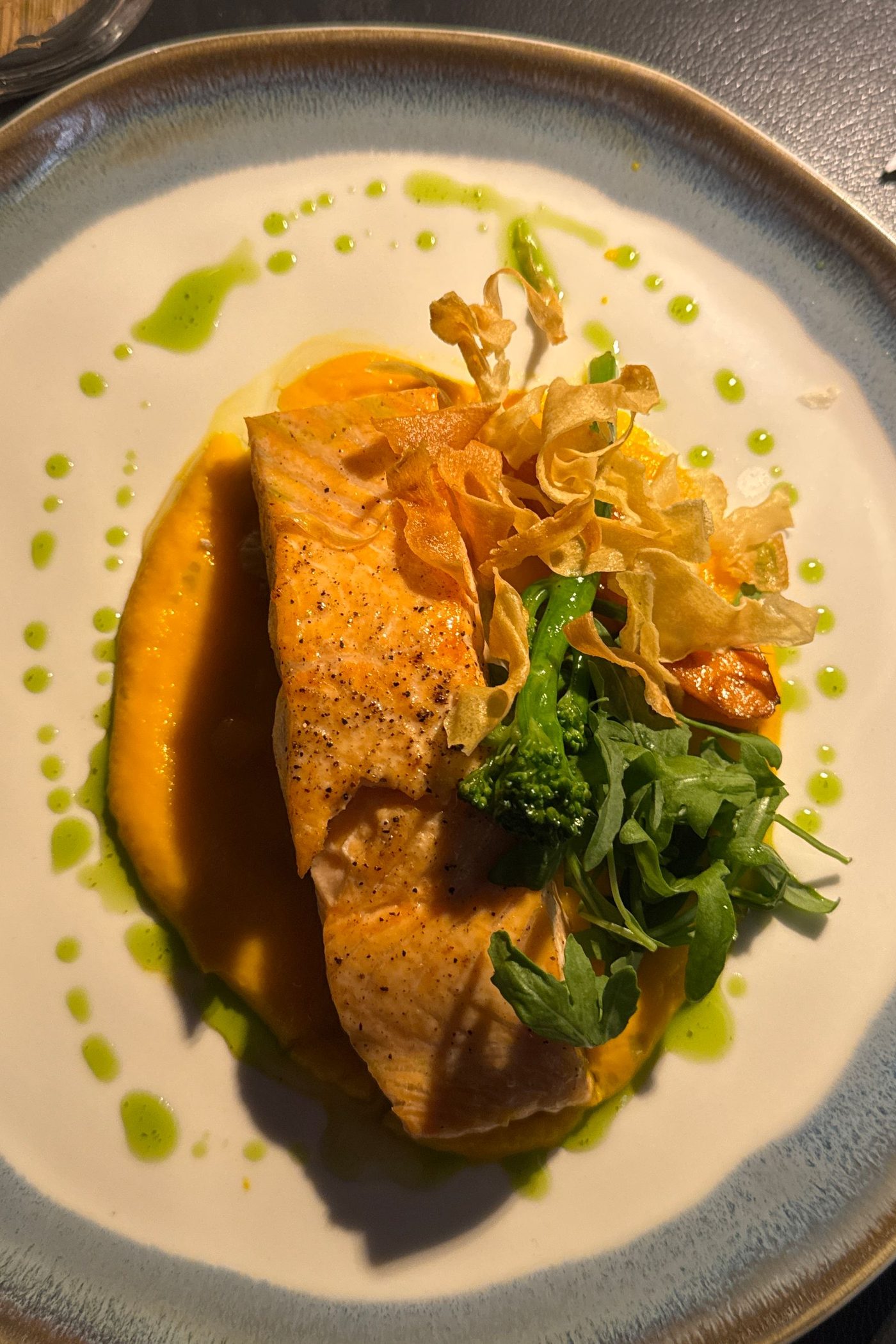
Salmon with vegetables
49 złSeasonal salad
29 złFrom setup to your first guest
Follow these four steps, then test a realistic scenario with your team.
Add clearly labelled tables.
Complete dish options and information.
Prepare staff accounts and permissions.
Take an order, hand over dishes and split a bill.
Prepare an internet-connected phone or tablet, an accurate floor plan and clear ordering procedures. Enable notification sounds on each device.
FAQ
Before you decide, get answers to the key questions. If you would like to discuss your workflow, let’s talk.
Tell us about your venue →The screen works in a browser on a phone or tablet. Choose equipment and connectivity suitable for your floor.
Yes. Item options and notes are passed along with the order to the kitchen workflow.
Yes. Bill splitting, moving tables and merging tables are available.
Offline support is limited to handing over dishes and accepting service calls. New orders, opening tables and bill operations require a connection.
Access follows roles and permissions. Staff can be given a service screen without access to company settings.
Corrections before handover are handled in the relevant view. Changes after handover require the management panel.
Your next step
See how waiter tools connect tables, orders and the kitchen. Book a demo or set up an account for your restaurant.