Take orders directly
Give guests your own ordering address. Present your menu, set pickup and delivery terms and bring orders directly to your restaurant.
EXPLORE RANEDO
From choosing a dish online to service at the table. Connect sales, teamwork and guest relationships in a way that fits your restaurant.
Start with what you need. Available features depend on your chosen plan.
START WITH YOUR EVERYDAY NEEDS
Choose the area that matters most to you. See how Ranedo can help your team and your guests.
Give guests your own ordering address. Present your menu, set pickup and delivery terms and bring orders directly to your restaurant.
Prepare your dining room for reservations and keep order details close at hand. Your team works with shared information.
Get to know your guests and give them reasons to return. Use promotions and contact guests who have given the appropriate consent.
Ranedo
From your own website to order analytics. Each area serves a clear purpose. Choose tools that match the way your team works.
Present your menu, take orders and set fulfilment terms. Guests use your website or QR menu, while the details reach one shared system.
Invite guests to order directly from you. Connect your menu, pickup and delivery with your team’s daily workflow — in one system, under your restaurant’s brand.
Guests select dishes, add notes and choose pickup or delivery. Staff work from the recorded order details. Configure hours, dish availability and payment methods before launch.
Show your venue’s character and make the next step easy: browsing the menu, ordering food or booking a table. Build on a ready-made template and manage your website in the same system as your restaurant.
Choose a template that suits your cuisine. Add text, photos, hours and contact details in the builder, then review the preview. Your website can guide guests to menus, ordering and reservations according to enabled features.
 Demo code · menu preview
Guests scan, choose something delicious and order right to their table. Your team sees what to prepare and where to serve it. One menu in Ranedo, always at hand — no app download.
Place a code at the table so guests can open the menu on their phones. Offer browsing only or enable ordering. Linking each code to a table helps staff identify the right location.
Match delivery to the area your restaurant can serve. Define boundaries, fees and minimum order values so guests see the applicable terms after entering an address. Offer collection alongside delivery through your own ordering channel.
Nearby neighbourhoods and more distant areas can have different fees, minimums and fulfilment times. Set zones using a map, radius or postal codes. The restaurant organises drivers and the delivery itself.
Prepare seats for guests and give your team clear information. From reservation requests and taking orders to handing over finished dishes.
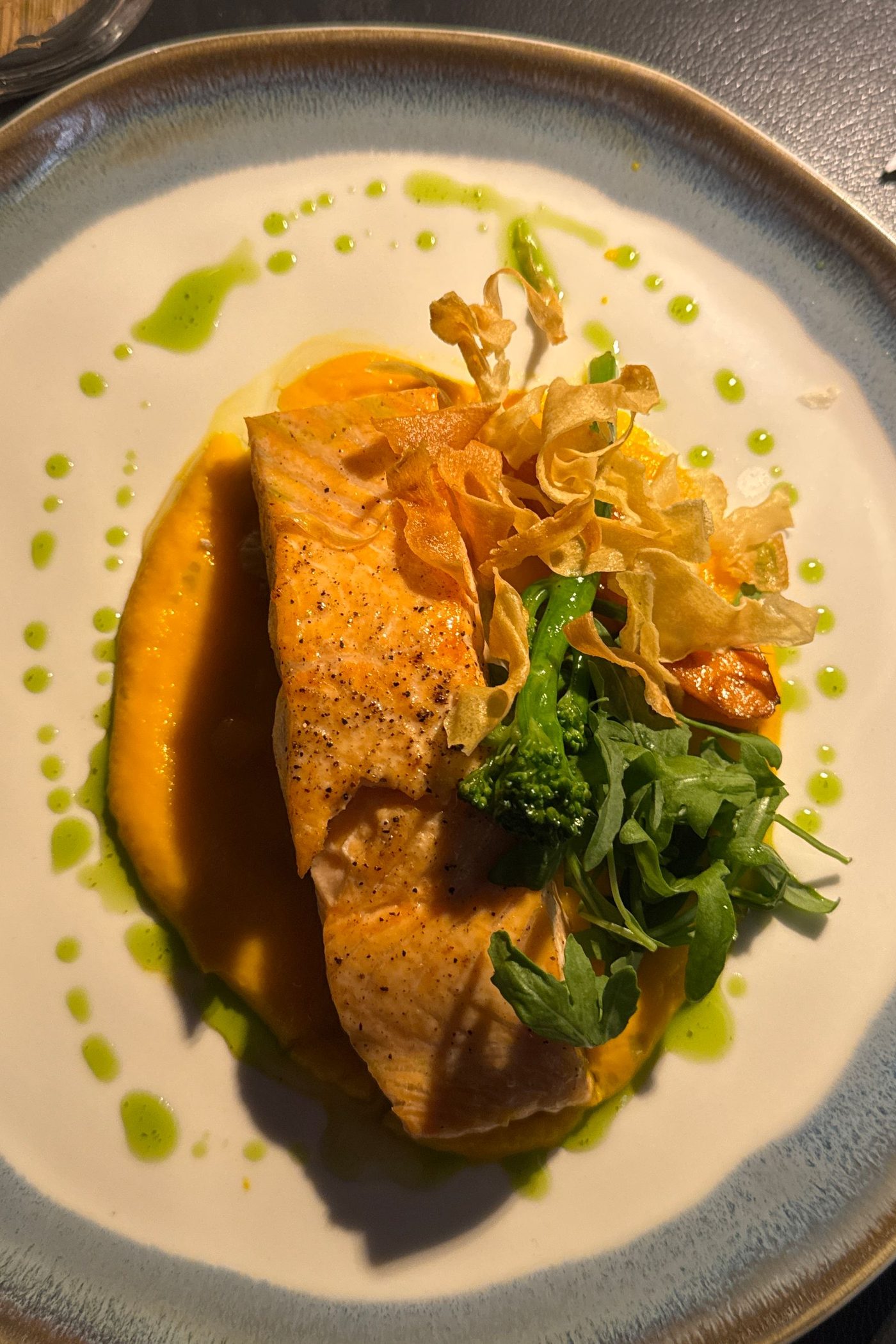
1 × Salmon with vegetables
Guest note: sauce on the side2 × Salmon with vegetables
Guest note: sauce on the sideTake orders on a phone or tablet using your floor plan and current menu. Send items, options and notes to the kitchen while keeping the information needed for table service close at hand.
Waiters open a table, select dishes and record options and kitchen notes. They can also handle service calls and bill operations. New orders and billing require a working internet connection.
1 × Salmon with vegetables
Guest note: sauce on the side2 × Salmon with vegetables
Guest note: sauce on the sideBring orders from tables, your website and QR into a clear preparation queue. Staff see items, options and notes, then update progress. Split the view into stations so each part of the kitchen can focus on the right dishes.
The team sees dishes from multiple channels and updates preparation progress. Stations can be linked to menu categories. Visible notes communicate guest requests, while statuses help coordinate handover.
Map rooms, outdoor seating and tables so staff work with a familiar layout. Connect physical seats with orders, reservations and QR codes. A clear plan supports both a quiet lunch and a busy service.
Map the main room, upstairs or garden. Arrange tables, choose shapes and add landmarks. Review orders and reservations at each table while staff use a familiar restaurant layout.
Keep website requests and staff-entered reservations together. Review dates, party sizes and contact details, confirm visits and assign tables. Your team gets a shared view of upcoming guests.
Collect website requests and phone reservations in one place. Staff check the time and party size and choose a table. Online requests await confirmation, and conflict warnings support the final decision.
Organise contacts, give guests reasons to return and review order data. Connect everyday service with activities you can evaluate.
Contact details and notes
Visit and order history
Consent by channel
Keep contact details, notes and relationship history together. Find a guest before arrival, review previous information and organise contacts with tags. Give your team better context when welcoming returning guests.
Before the next visit, find the guest profile, notes and history linked to recorded contact details. Tags help organise the database. A saved contact does not imply marketing consent; check it separately for each communication channel.
Staff redeem the reward
Reward eligible orders with points and keep guest balances in Ranedo. Choose an earning rate, enabled channels and a staff reward catalogue. Your team delivers rewards in the venue and adjusts the guest’s balance.
Set a points conversion rate and rewards for qualifying orders. Staff see balances, history and the reward catalogue. Rewards are redeemed by staff at the venue, rather than by guests in the online basket.
Sample campaign
Create a discount or bundle, set its conditions and share it with selected guests. Combine ordering promotions with email and SMS campaigns using contacts and consent in Ranedo. Give each campaign a clear purpose and audience.
Prepare a promotion and reach suitable guests who have consented to contact. Use email or SMS according to your configuration. Review recipients, promotion terms and channel costs before sending.
Review order counts, values, popular dishes and channel activity in one panel. Find patterns that help plan staffing, review your menu and assess promotions. Base decisions on the orders recorded in your system.
Review popular dishes, ordering times and differences between channels. Use the data to examine your menu and operations. Order value is neither profit nor accounting revenue; analytics also includes cancelled orders.
Availability depends on your plan and configuration. Check pricing for features, limits and additional charges. Explore plans and pricing →
YOUR KIND OF VENUE
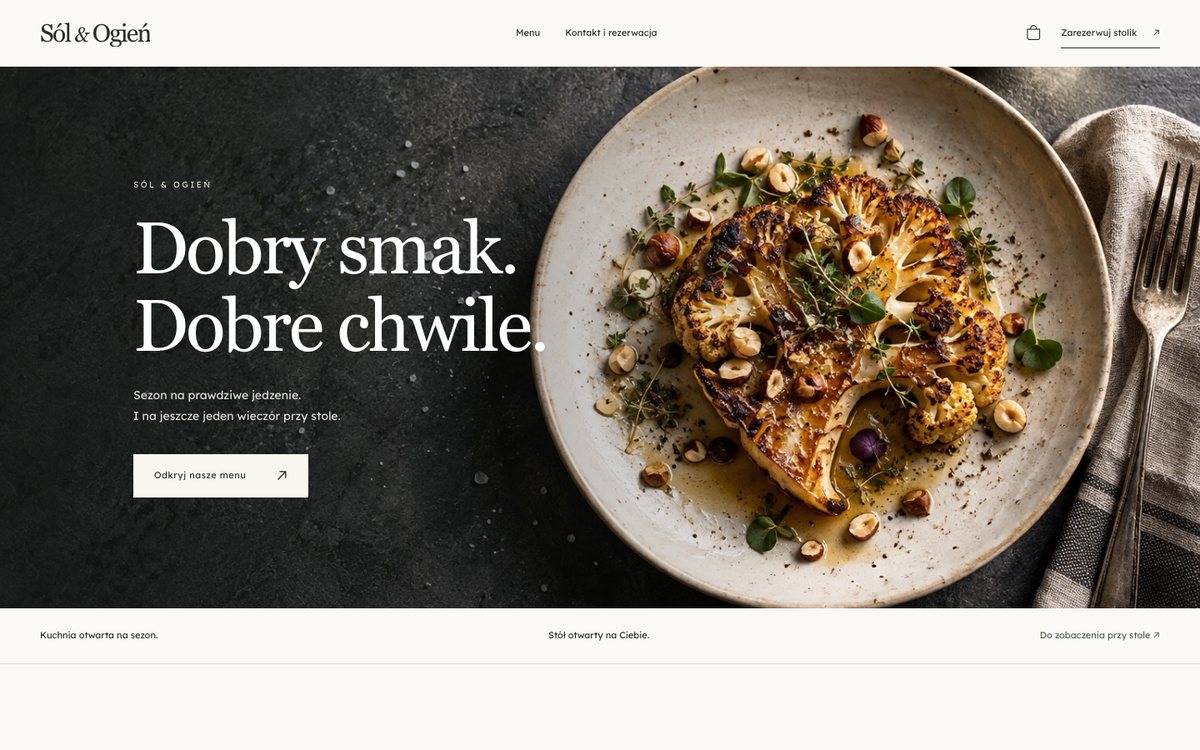
Different food, different character. Open a sample website and see the guest experience, without creating an account.
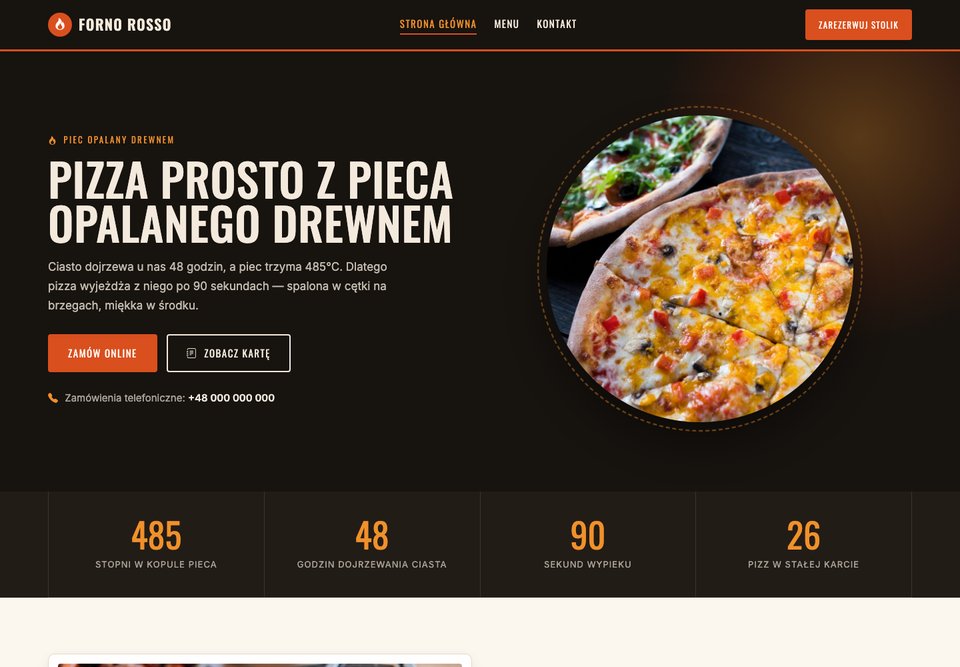
Menu, pickup and delivery in your style.
View sample website →Your food and an invitation to the table.
View sample website →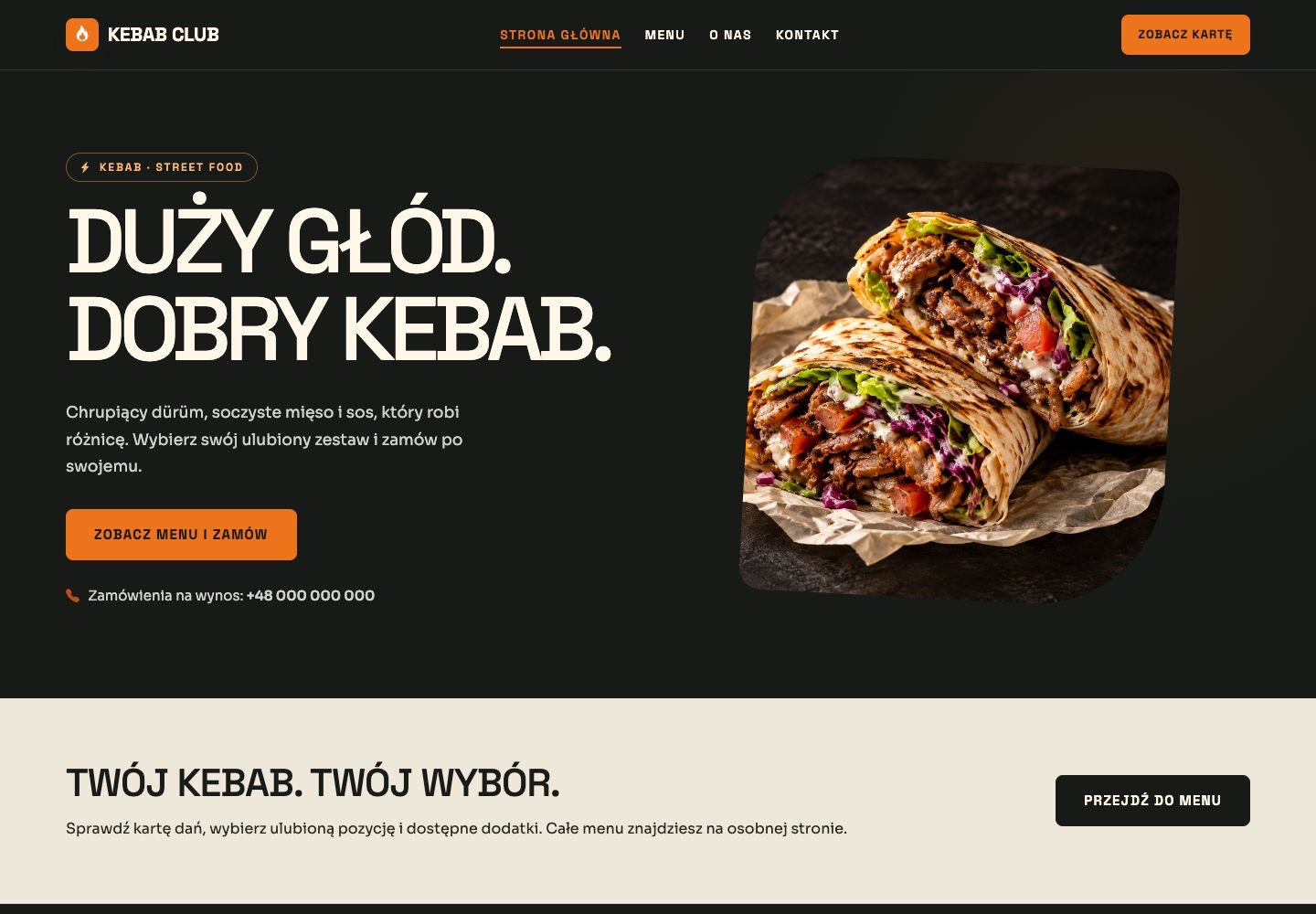
An appetising menu, easy dish selection.
View sample website →
The feel of a place worth returning to.
View sample website →Template previews contain sample content. Ordering and other features depend on configuration and your plan.
ONE ORDER, A SHARED WORKFLOW
Guests enjoy a simple choice. Your team has the details needed to fulfil the order.
They browse the website or QR menu and choose their dishes.
The order reaches the system with items, notes and fulfilment details.
With the kitchen display enabled, staff work from a shared queue.
Your team updates the status and hands over the finished order.
Illustrative workflow. QR ordering, waiter tools and the kitchen display are available according to your plan.
WE HELP YOU GET STARTED
You do not have to start from an empty dashboard. Send your menu and venue details and we will prepare the configuration for free.
Send your menu — get setup helpA link, a file or details of what you offer.
We agree on the details and help organise your menu.
Check the menu, prices and settings before going live.
Ranedo
We will show you selected Ranedo features in a scenario that fits your venue.