The menu, right away
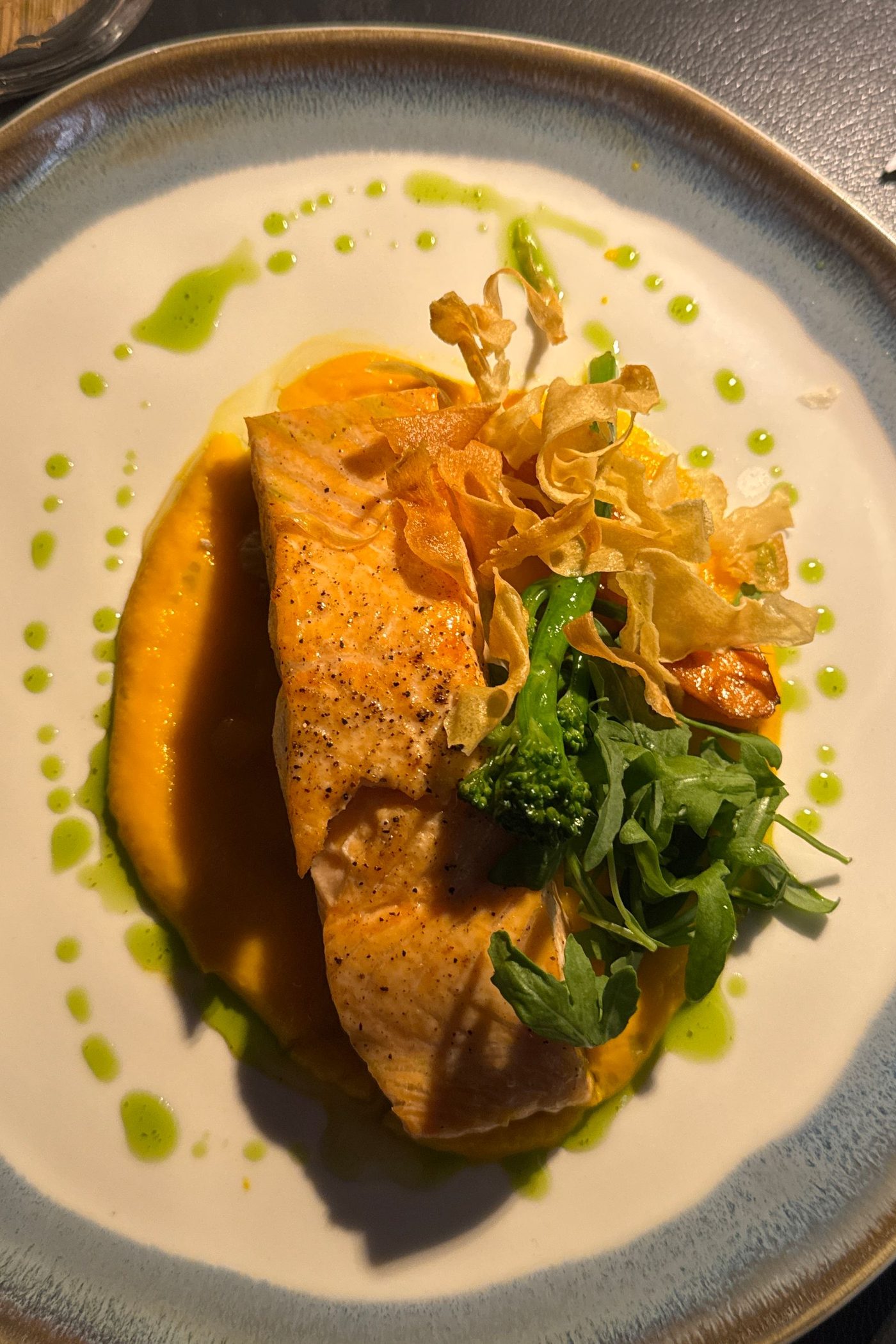
Guests sit, scan and browse dishes with photos. No waiting for a spare menu or installing an app.
QR menu and ordering / Ranedo
Guests scan, choose something delicious and order right to their table. Your team sees what to prepare and where to serve it. One menu in Ranedo, always at hand — no app download.
Start with a menu. Enable ordering when your restaurant is ready. Feature availability depends on your plan.
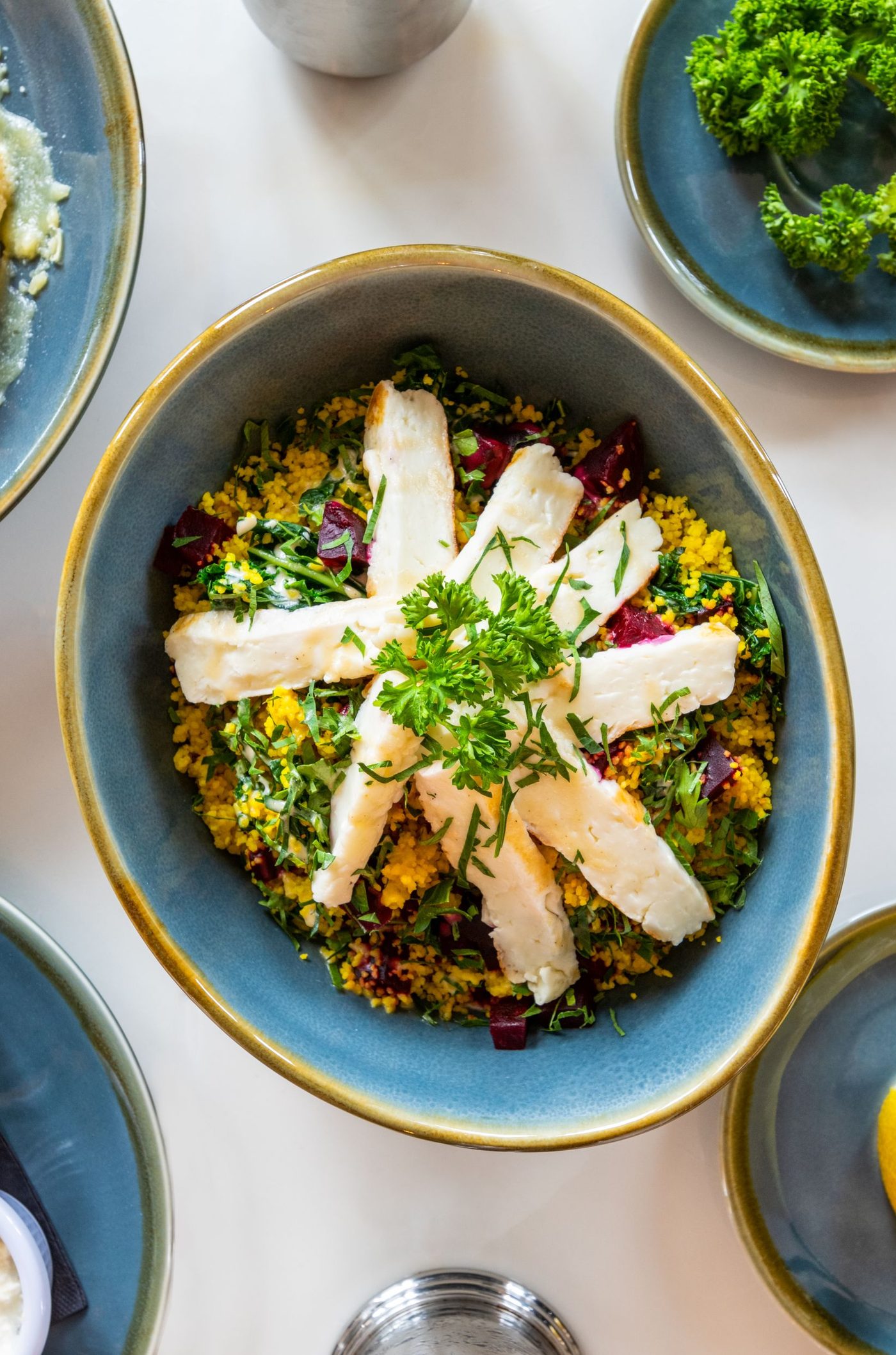
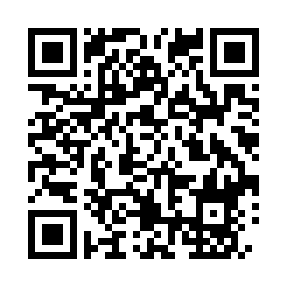 Table 08
Demo code · menu preview
Fresh, seasonal, our way.
The menu opens in the phone’s browser.
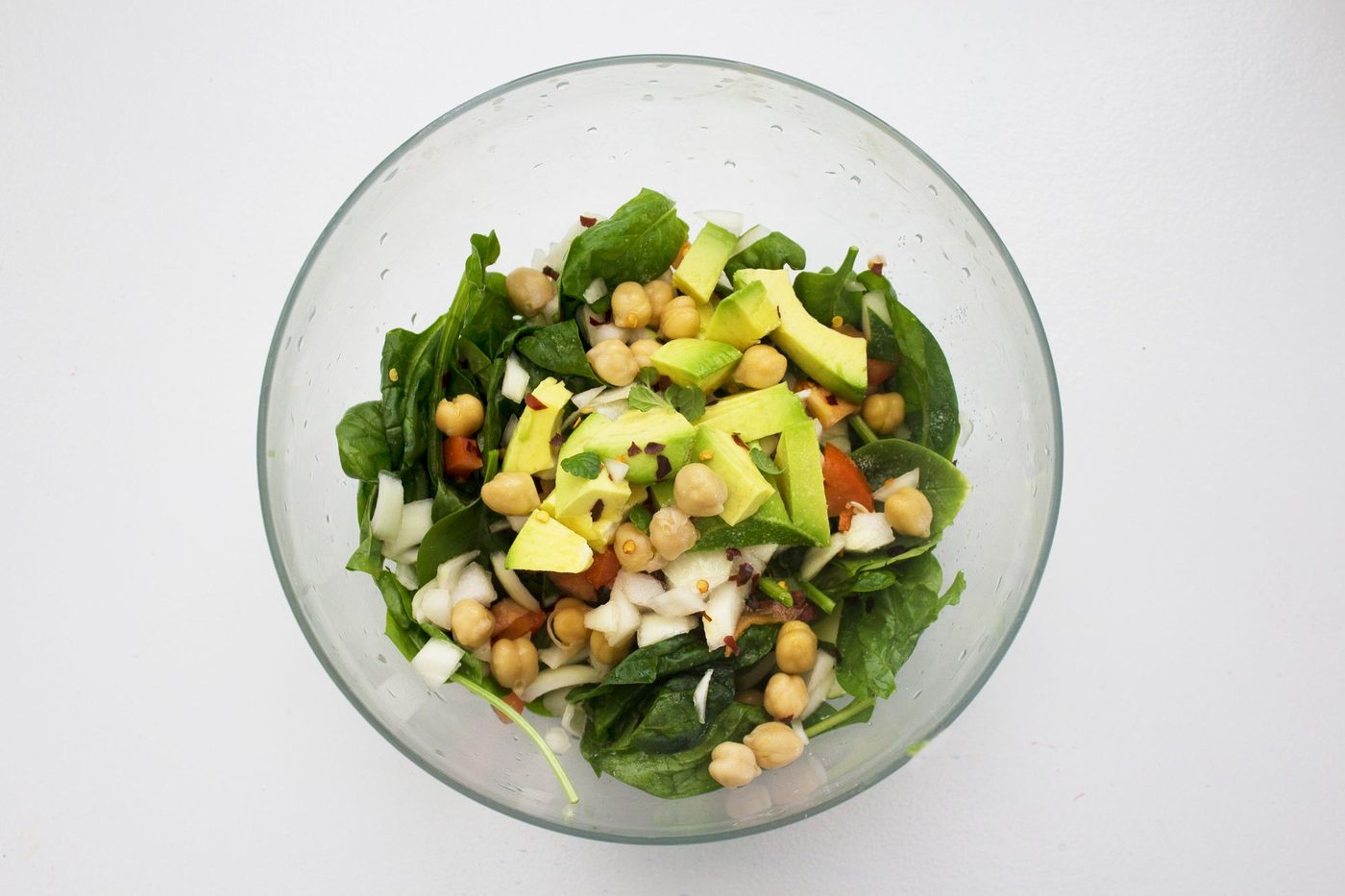
Dishes, extras and notes — at their own pace.
The order reaches the system with its table number.
In everyday use
QR complements your service. Guests choose at their own pace while your team focuses on the dining room.
Guests sit, scan and browse dishes with photos. No waiting for a spare menu or installing an app.
Another drink or dessert can be ordered by phone. Staff see the items and table number in the system.
Update your menu in Ranedo. Guests see the latest offer through the same code, including new seasonal dishes.
01 / No app installation
Guests scan the code to see your current menu without registering or waiting for a printed copy. Update dishes in Ranedo and keep using the same printed code.
02 / A separate code for every table
Each table has its own code, so staff can see where an order came from. Offer the payment methods configured for your venue and let table guests call a waiter.
Guest note: no ice
03 / One menu and availability source
Offer a browse-only menu or full ordering. For closed tables, require staff approval or prevent ordering. This helps manage orders placed using photographs of old codes.
A digital menu, with orders taken by staff.
Guests choose and send orders from their phone.
From setup to your first guest
Follow these four steps, then test a realistic scenario with your team.
Check names, prices, options and availability.
Organise table numbers and rooms.
Choose browsing or ordering, payments and closed-table protection.
Download PNG codes and place a test order at a table.
Prepare an up-to-date menu, table list and visible places for printed codes. Show staff how to approve orders and respond to service calls.
FAQ
Before you decide, get answers to the key questions. If you would like to discuss your workflow, let’s talk.
Tell us about your venue →No. Scanning a code opens the menu in a phone browser. Browsing and QR ordering do not require a guest account.
Yes. Disable ordering while keeping the menu visible, then introduce ordering when your team is ready.
Yes. Codes identify tables. Separate hotel room codes are also available with the relevant module.
No. Update the menu in the system. Regenerating a code itself invalidates the previous code and requires a new print.
Require approval for orders from closed tables or block ordering from those tables. This does not verify a guest’s GPS location.
Yes, table QR menus support waiter calls. This feature does not apply to hotel room codes.
Your next step
Book a demonstration of menus, ordering and table service. We will show you the journey from the first scan to an order reaching your team.