Waiter with a phone instead of a notepad — how mobile service works
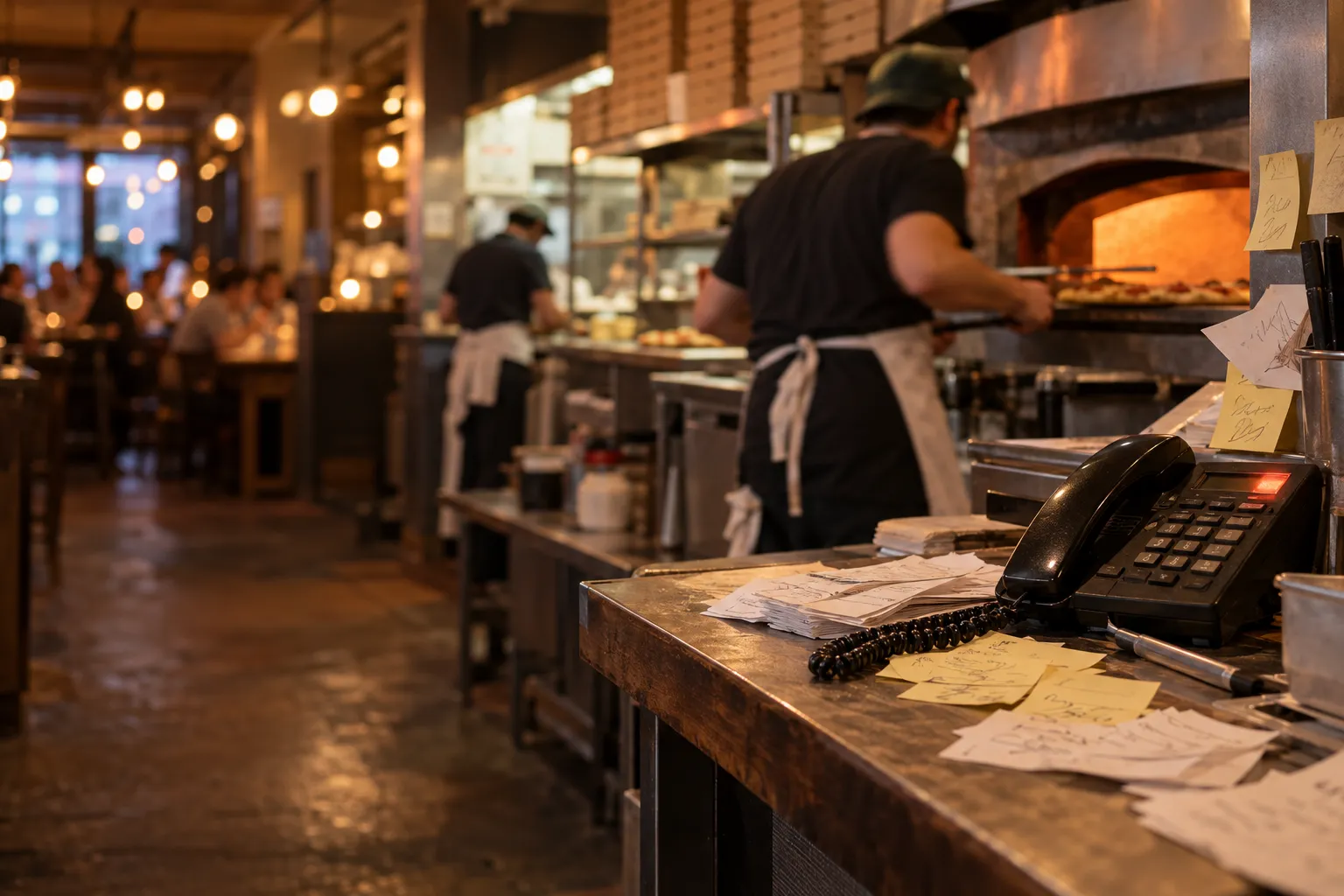
A waiter's notepad is simple, inexpensive and requires no training in how to use a system. The problem starts when, after writing down an order, the waiter still has to walk to the till or a system terminal, enter every item again, pass notes to the kitchen and then remember which bill belongs to which table.
On a quiet Tuesday, this way of working may be perfectly sufficient. On a Saturday evening, when one person is serving several tables, guests move seats, someone asks to split the bill and one dish needs to be marked "no onions", the number of manual steps starts to matter.
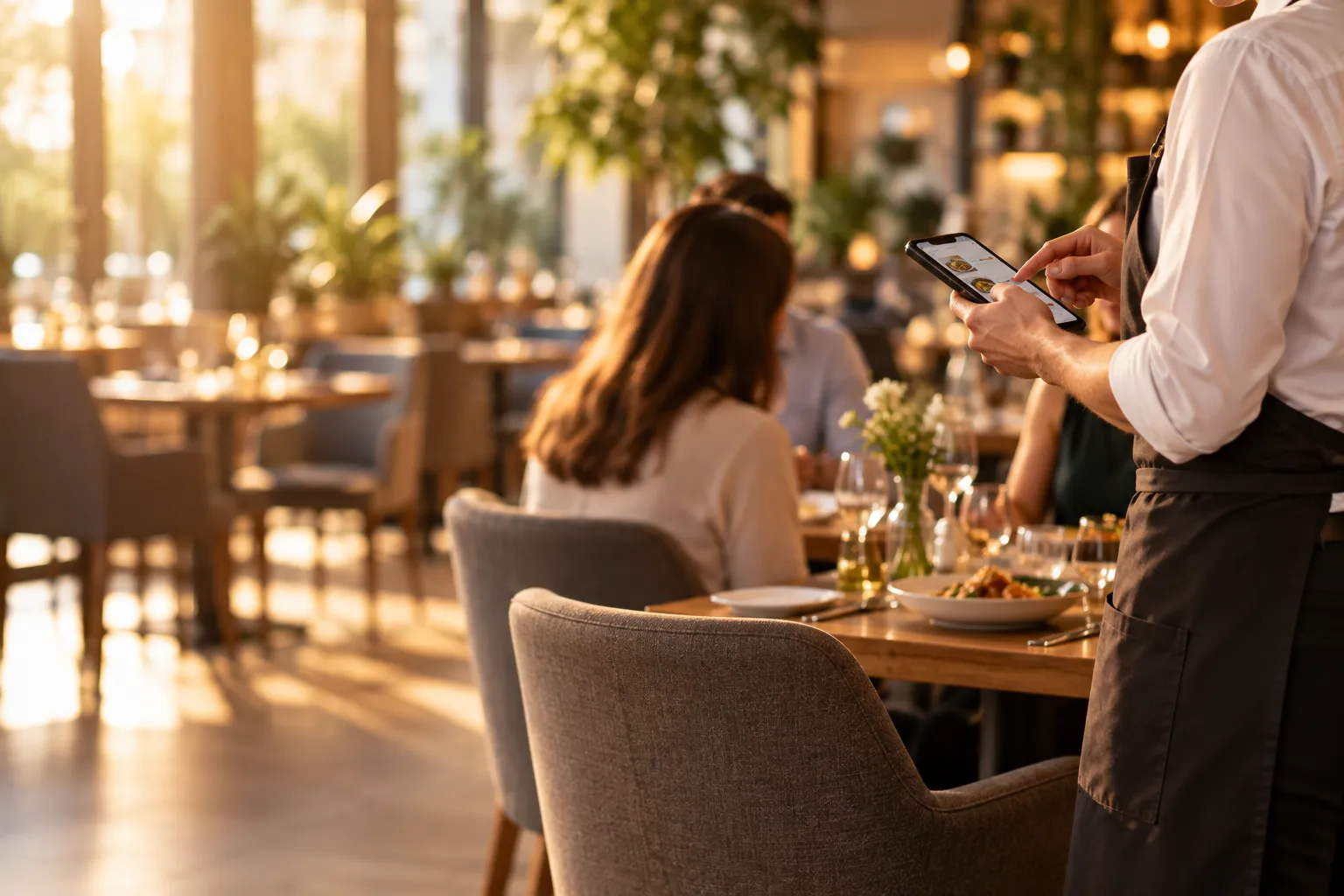
A phone or tablet will not replace good service. It can, however, allow the waiter to take the order directly at the table and pass it on without entering everything again.
The problem is not the notepad, but re-entering information
Writing an order down on paper is not necessarily a problem in itself. The biggest risk appears between the moment the waiter takes the order and the moment the information reaches the kitchen.
A traditional process may look like this:
- the waiter approaches the table,
- writes the order in a notepad,
- returns to the till or system terminal,
- enters the items again,
- adds variants and notes,
- the order is sent to the kitchen,
- the waiter returns to the dining room.
Every time information is entered again, there is an opportunity for a mistake. The waiter may correctly hear "burger without onions", write it in the notepad and then forget the note while quickly entering the order into the system.
They may also select the wrong table, dish variant or quantity. Not because they are doing their job badly, but because they are performing the same task twice.
Dish notes should stay with the specific item
In a restaurant, the information "table 8 ordered three dishes" is often not enough. The kitchen needs precise details.
Example notes may include:
- removing an ingredient,
- adding an extra ingredient,
- changing a side,
- the desired level of doneness,
- the order in which dishes should be served,
- another instruction given by the guest.
If the waiter adds the note directly to the relevant item on their phone, the information can travel with the order. There is no need to decipher handwriting later or pass an additional message verbally.
This is particularly important during peak service, when the kitchen is handling many orders at the same time.
A floor plan shows more than just a table number
With only a few tables, memory may be enough. In a larger dining room, things become more complicated, especially when some tables are reserved, others are already occupied and two groups want to sit together.
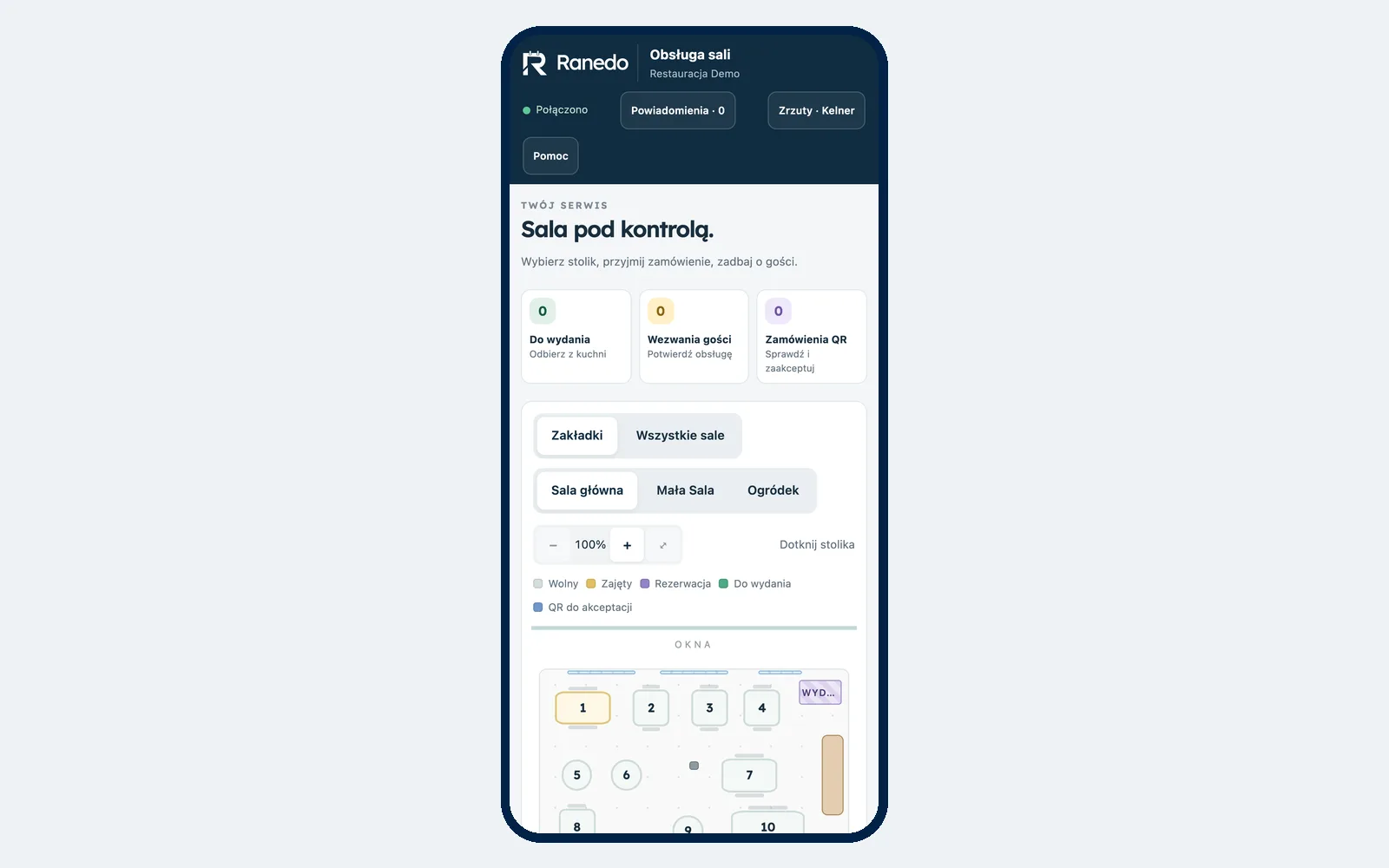
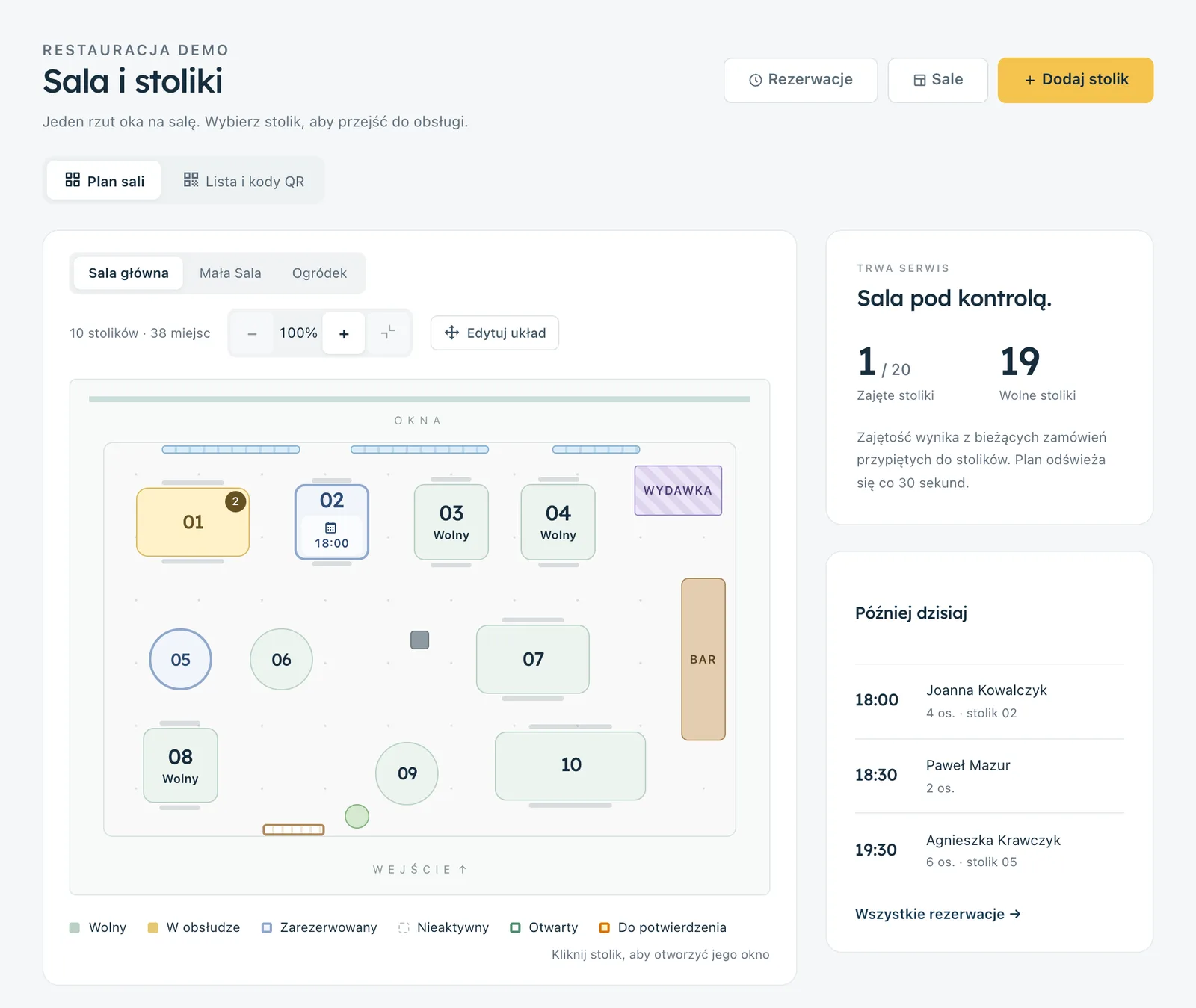
A digital floor plan can show the current status of each table. The waiter does not need to remember whether a table is available, occupied or linked to a reservation.
For example, guests arrive earlier than expected, take two neighbouring tables and ask for one combined bill. Instead of managing two paper notes and trying to reconcile them later, staff can organise the tables accordingly in the system.
An order can reach the kitchen without returning to the till
A mobile waiter screen shortens the information flow. The waiter selects the table, adds dishes, variants and notes, and then sends the order on.
This means they do not have to return to one fixed workstation after every visit to a table just to re-enter what they wrote in the notepad.
This is particularly useful in:
- venues with a large dining room,
- outdoor seating areas,
- restaurants spread across several floors,
- venues where the till is far from some of the tables,
- the busiest service periods.
This does not mean the waiter stops moving between the dining room and the kitchen. They still need to serve guests and deliver dishes. What disappears is some of the walking done purely to re-enter an order.
The kitchen needs to know which table each dish belongs to
In a traditional setup, a paper ticket may contain the table number, but if tickets are moved around or several orders look similar, misunderstandings can easily happen at the pass.
Keeping the order and table information together helps connect front-of-house work with the kitchen. When a dish is ready, staff should know which table it needs to go to.
The fewer questions such as "who is this pasta for?" at the pass, the easier it is to maintain order during busy service.
If you want to organise the kitchen workflow in more detail, see our article on using a kitchen display system instead of paper tickets.
A ready dish should come back to the waiter as information
Mobile front-of-house service makes sense when information flows in both directions.
The waiter sends the order to the kitchen, but later they also need to know that a particular dish is ready to collect.
For example, there are four people at a table. Two dishes are already prepared and another is just being finished. If staff can see the order status, it is easier to decide when to go to the pass and what to take to the table.
The goal is not for the waiter to look at their phone constantly. The screen should reduce extra questions and unnecessary trips between stations, not create new tasks.
Moving and joining tables no longer depends on memory
Guests do not always follow the original floor plan. They move seats, another person joins them, two groups want to sit together or two tables need to be combined.
On paper, this means rewriting numbers, moving bills around or remembering that the bill for table 5 now also applies to table 6.
In a mobile system, these changes can be recorded immediately. This means another member of staff can also see the current situation instead of relying on something that was said verbally several minutes earlier.
Sometimes the biggest chaos starts only when the bill arrives
Taking the order may go smoothly, but at the end the group says:
We'd like to pay separately. These two together, the dessert separately, and split the drinks equally.
If all items have been recorded together throughout the evening without an easy way to identify who is paying for what, the manual calculations begin.
Splitting by item
Guests can indicate which dishes and drinks each person will pay for. The waiter can then assign the relevant items to the correct part of the bill.
Splitting equally
In another case, the group may simply want to divide the total equally. The system can help calculate the shares without manually dividing the amount.
This is still a supporting bill for staff. The actual fiscal sale must be completed according to the venue's procedures using the fiscal cash register.
A phone does not mean replacing the waiter with technology
A mobile screen should not cause staff to look at a device more often than they look at guests. It is a tool for recording information, not the main element of customer interaction.
The waiter should still:
- welcome guests,
- answer questions about the menu,
- recommend dishes if this is part of the venue's service standard,
- keep an eye on what is happening at the tables,
- respond to problems,
- check whether guests need anything else.
The phone should reduce administrative steps, not reduce contact with the guest.
What about orders placed via QR?
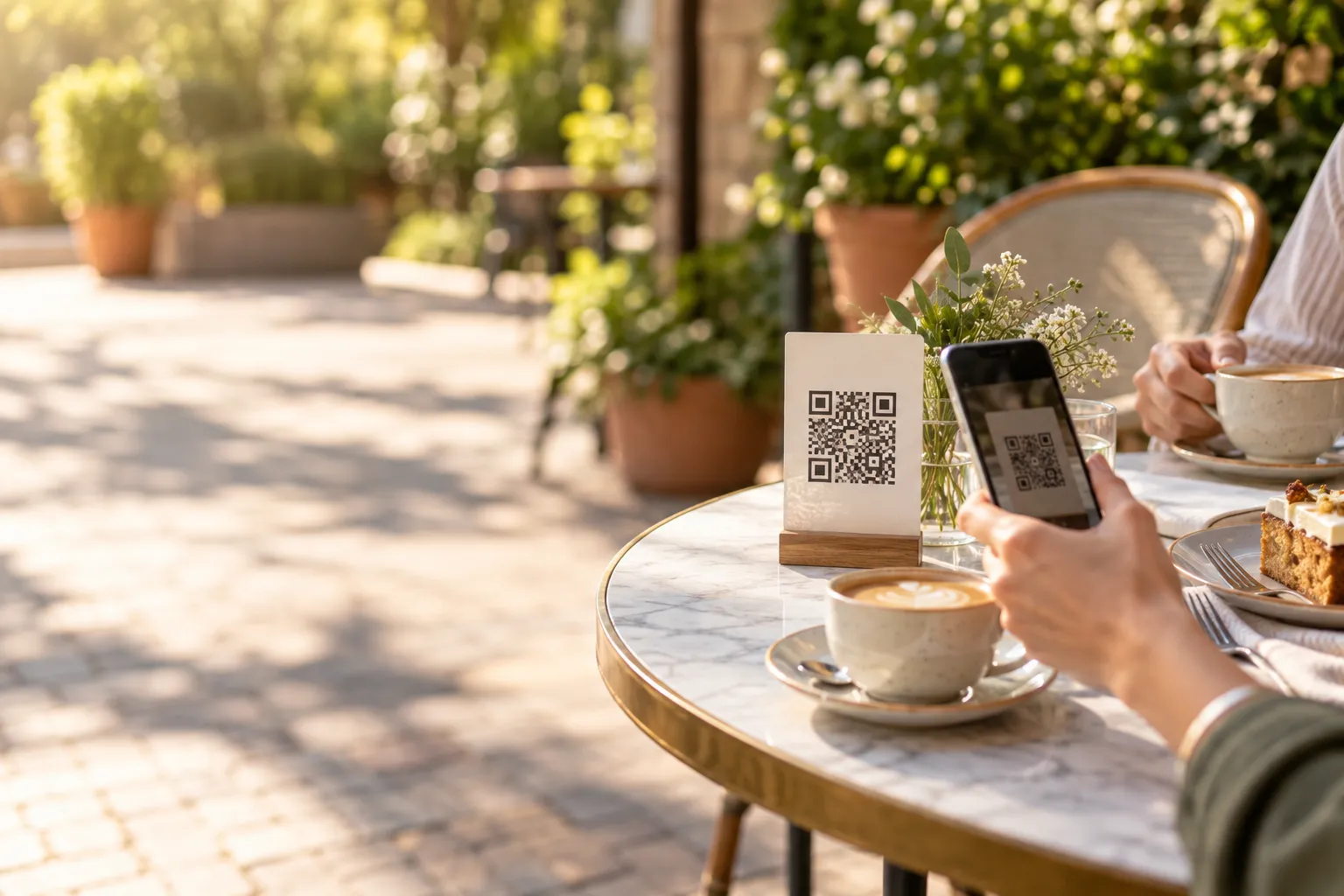
If the restaurant also offers QR code table ordering, the waiter should not need a separate app just to monitor that channel.
A QR order should enter the same service workflow. The waiter can accept it and then follow it alongside the other dining room orders.
This means some guests can order without waiting for staff, while others can still use traditional waiter service.
You can read more about this model in our article on QR code table ordering.
Set clear team rules before implementation
A phone alone will not organise the dining room if staff do not know who is responsible for each task.
Before introducing a mobile system, it is worth deciding:
- who opens a table,
- who can add orders,
- who accepts QR orders,
- who moves or joins tables,
- who closes a table after payment,
- what to do if there is an internet problem,
- how fiscal receipts are issued.
If a table remains open after the guests leave, the next shift may see an outdated dining room status. That is why something as simple as deciding "who closes the table" should be agreed before the first service.
You need stable Wi-Fi and trained staff
A phone is convenient only if it works properly throughout the venue. Before implementation, check Wi-Fi coverage not beside the router, but in the places where the waiter actually works.
Test:
- the furthest tables,
- the outdoor seating area,
- other floors, if you have them,
- the kitchen and pass area,
- places separated by thick walls.
Staff also need a short training session. Every waiter should know how to open a table, add an order, enter a note, split a bill, move a table and close it correctly.
Do not assume full offline operation
If the internet connection drops, the system's capabilities may be limited. The venue should therefore have an emergency procedure.
In Ranedo, during a temporary internet outage, the waiter screen allows staff, within a limited scope, to serve ready dishes and handle guest calls. This should not be treated as full offline operation. Taking new orders and other activities require a working connection.
How does the waiter screen work in Ranedo?
The waiter screen is available in the Plus and Pro plans. It works in a phone or tablet browser, so the waiter can use the device while serving the dining room.
The Waiter role can be limited to its own screen, so the employee does not need access to the restaurant's full administration dashboard.
Floor plan and table status
The waiter sees the floor plan and the current table statuses. They can open a table and start serving it without returning to the main workstation.
Reservation information is also available on the screen. When reserved guests arrive, staff can mark their arrival.
Dishes, variants and notes
The waiter selects dishes from the menu, which can include photos. For each item, they can select variants and add notes for the kitchen.
This means information such as "no onions" is linked directly to the specific item in the order.
Ready dishes and guest calls
The waiter screen is also used to handle dishes that are ready in the kitchen. The waiter can check which items are ready to serve.
If the venue uses QR ordering, guest calls also appear on the screen, such as requests for staff assistance or the bill.
Accepting QR orders
Orders placed using a table QR code can be handled by the waiter alongside traditional orders. There is no need for a separate process just because the guest sent the order from their own phone.
Moving and joining tables
If guests change seats or two tables need to be combined, staff can record the change in the system. This helps keep the floor plan up to date for other team members.
Splitting the bill
The supporting bill can be split by specific items or into equal shares. A tip can also be included.
Ranedo does not replace a fiscal cash register and does not issue fiscal receipts. The bill shown on the waiter screen is for operational support, while the fiscal receipt must be issued using the cash register according to the venue's procedure.
Promotions and the waiter screen
Promotions available in Ranedo do not work on the waiter screen. If the venue uses promotions in other channels, you should not assume they will automatically be applied to an order entered by the waiter.
How can you introduce phones instead of notepads without creating chaos?
It is best to start with one complete test before service.
- Prepare the floor plan and check the table numbers.
- Test internet coverage throughout the venue.
- Create a test table and add several dishes.
- Add a variant and a note to an item.
- Check how the order appears on the kitchen side.
- Test serving a ready dish.
- Join two tables and test moving them.
- Split a sample bill by items and into equal shares.
- Check the table-closing process.
- Agree with the team what to do if there is an internet problem.
At first, you can also keep a notepad as an emergency backup. The goal is not for staff to abandon every habit on the first day, but to learn the new information flow.
When does a phone make the biggest difference compared with a notepad?
You will usually notice the biggest difference where a waiter makes many trips between tables and one central workstation.
Mobile service is particularly useful when:
- the venue has a larger dining room or outdoor seating area,
- the waiter serves many tables at once,
- guests often modify their orders,
- bills are regularly split,
- tables are joined or guests move seats,
- the restaurant also uses QR ordering and a kitchen display.
In a very small venue with only a few tables, a notepad may still be entirely sufficient. There is no reason to introduce technology simply because it is available. It should solve a specific operational problem.
Try the waiter screen in Ranedo
The waiter screen, floor plan, moving and joining tables, bill splitting and QR order handling are available in Ranedo Plus and Pro. The waiter can work on a phone or tablet without needing access to the full administration dashboard.
See Ranedo plans or create an account and use the free first month with all features included in your selected plan.
Frequently asked questions
Does the waiter need to install an app on their phone?
No. The Ranedo waiter screen works in the browser on a phone or tablet.
Does an order entered by the waiter go directly to the kitchen?
Yes. An order entered by the waiter can enter the kitchen workflow and, in the Plus and Pro plans, work with the kitchen display system.
Can a bill be split between several people?
Yes. The supporting bill can be split by selected items or into equal shares. The fiscal receipt must still be issued using the fiscal cash register.
Does the waiter screen work without internet access?
Only to a limited extent during a temporary connection loss. In Ranedo, the waiter can then serve ready dishes and handle guest calls. This is not a full offline mode.
Are Ranedo promotions applied on the waiter screen?
No. Promotions do not work on the waiter screen, so you should not assume discounts from other channels will automatically be applied to an order taken by staff.
Share this article: