Marketing
Restaurant website — what it must include
A restaurant website should have the menu, hours, orders and table reservations. Also check when it makes sense to connect your own domain.
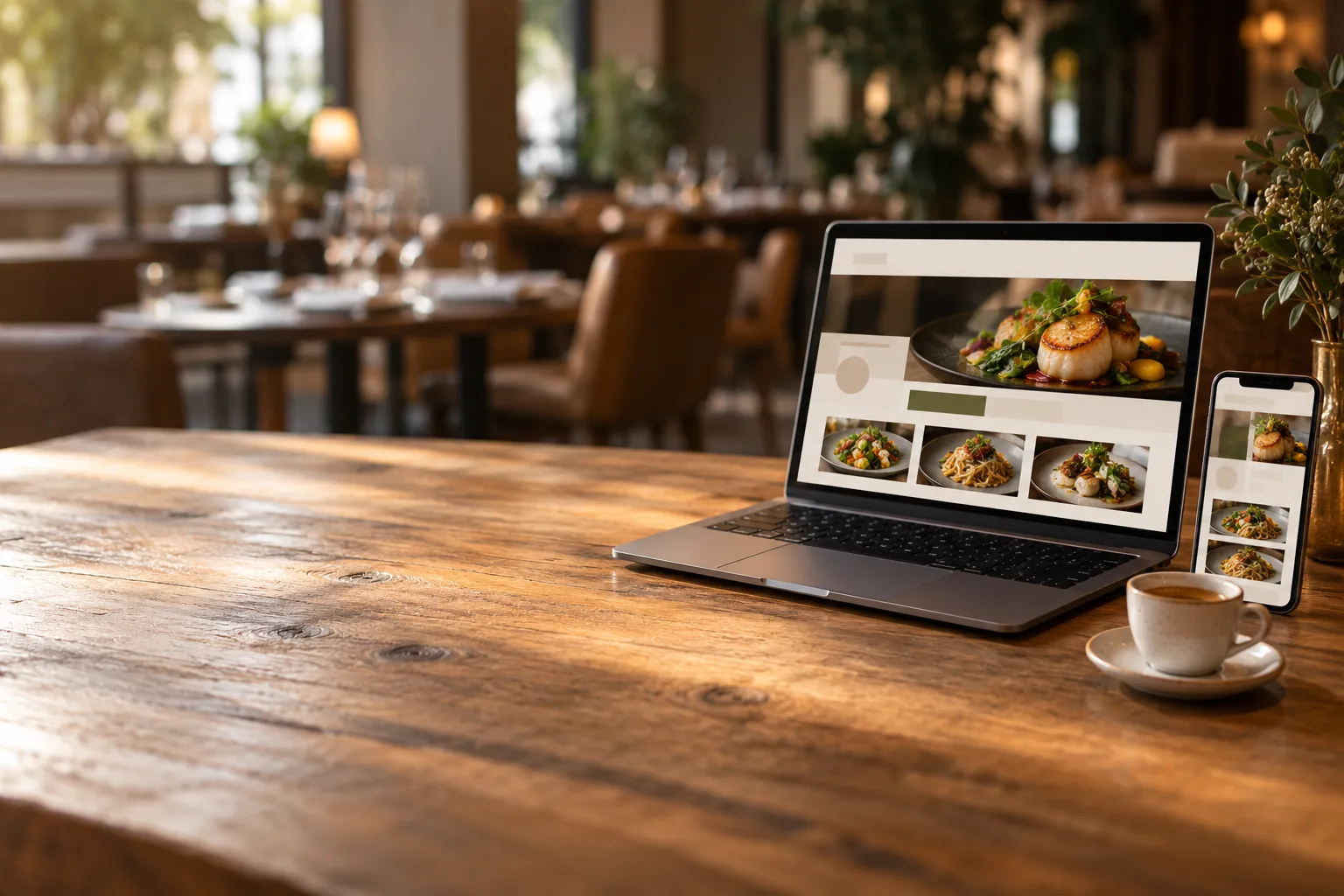
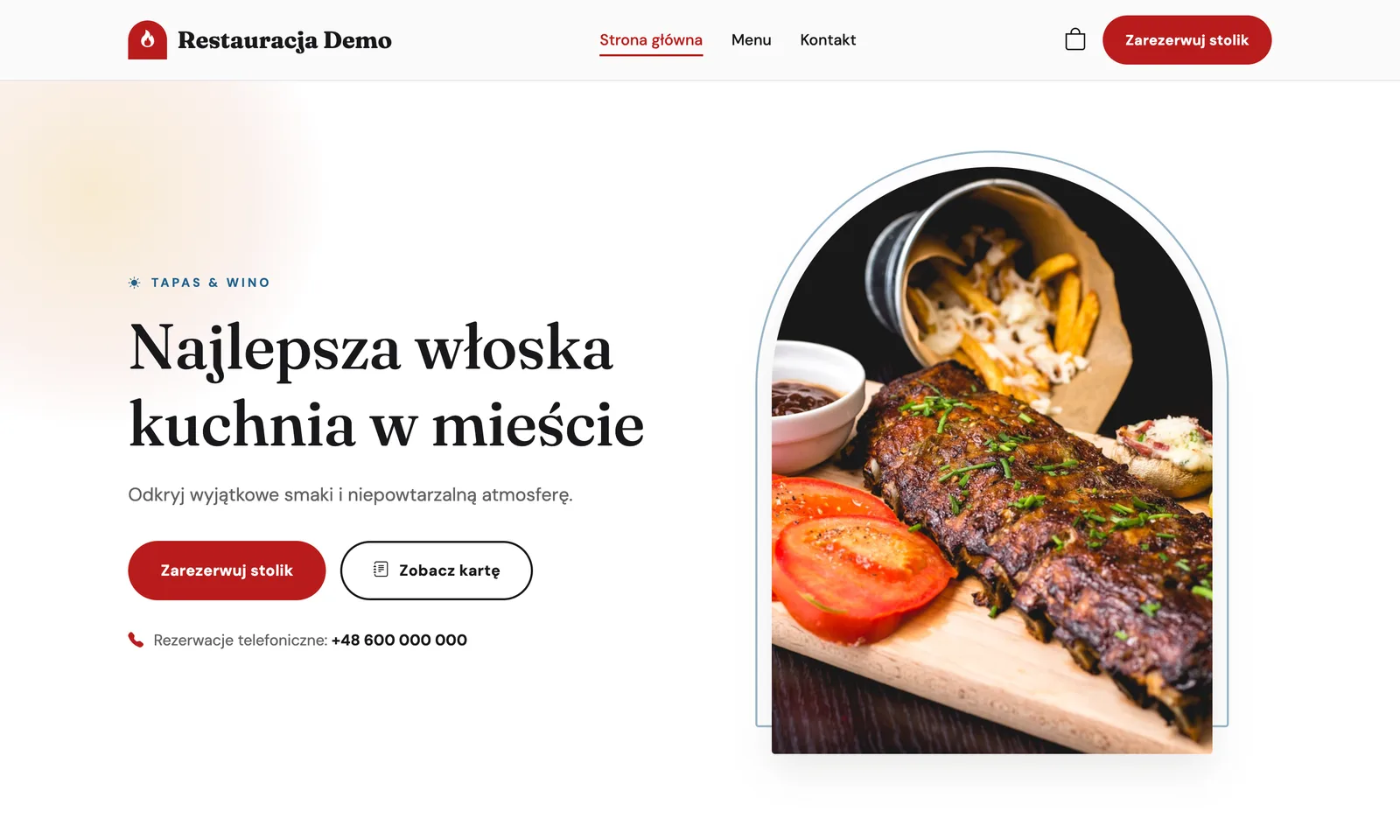
A restaurant website does not have to be an elaborate site with dozens of subpages. Above all, it should quickly answer the questions a guest has before a visit or an order: what is on the menu, how much it costs, when the venue is open, where it is, how to reserve a table and whether you can order food online.
The trouble starts when the site was built a few years ago and practically nobody has updated it since. The menu is a PDF, the hours differ from those in the business profile on the search engine, and changing the price of one dish takes a call to the person who “once built the site”. In that situation, the site can mislead guests instead of helping them.
An outdated website can cost more than having none
When a guest checks a restaurant's website, they usually have a specific goal. They want to see the menu, check the hours, find the address or place an order.
If they land on outdated information, problems appear:
- they show up at a time when the venue is already closed,
- they expect a price that stopped applying long ago,
- they pick a dish that is no longer offered,
- they cannot find a way to order or reserve,
- they have to call to confirm basic information.
The worst setup is one where every change to the site needs help from an outside person. Updating hours before a holiday or removing an unavailable dish should not be an IT project.
The menu should be part of the site, not a PDF file
A PDF is handy to print, but as the main online menu it has several drawbacks. On a phone, you often have to zoom in, scroll in two directions and hunt for a specific category across pages.
A better solution is a menu stored directly on the site as HTML.
That makes it easier for the guest to:
- browse categories,
- read descriptions,
- check prices,
- see photos,
- check variants and add-ons,
- find allergen information.
One price change should be enough
A big problem is keeping several independent versions of the menu. One is on the website, another in the ordering system, a third in a PDF file, and a fourth on the screen staff use.
If you change the price of a pizza from PLN 32 to PLN 35, you have to remember to update every place. Missing just one is enough for a guest to see the old price.
It is much safer to use one menu source that feeds all the channels you need.
Opening hours must be unambiguous
A guest should not have to wonder whether the hours on the website, in the business profile on the search engine or on social media are the more current ones.
On your website, give:
- opening hours for every day,
- any differences between the dining room and orders, if there are any,
- information about unusual hours on holidays and other special days.
It is worth regularly comparing this information with your restaurant's search engine profile. Consistent data makes it easier for the guest to decide and is one of the basic elements of a local online presence.
Address, directions and phone should be visible without searching
It is not enough to put the name of the town in the footer. The guest should quickly find the full address and a way to get in touch.
The basic information is:
- the venue's full address,
- phone,
- opening hours,
- directions or location tips, if the venue is hard to find.
The phone number on a smartphone should be tappable. That way the guest does not have to copy or retype it.
If the restaurant is in a shopping mall, a courtyard, on a side street or the entrance is on another side of the building, a short note on how to get in can be more useful than an elaborate company description.
The site should let the guest take the next step
Presenting the restaurant alone is often not enough these days. If a guest has already come to the site, it is worth letting them do what they came for right away.
The most important actions are usually:
- placing an order,
- reserving a table,
- making a call,
- checking the menu,
- finding the address.
The “Order online” button should lead straight to the ordering process, not to another subpage with a long description.
The same goes for reservations. If you let guests reserve a table online, the form should be easy to find.
If you want to analyze the sales process through your website in more detail, see the article on online orders and conversion.
Photos should show your venue and your food
A gallery does not need dozens of photographs. It is better to show a few current photos than lots of material that does not match what the guest will see on site.
It is worth showing:
- the dining room,
- the garden or patio, if you have one,
- selected dishes,
- distinctive elements of the venue.
Photos of dishes should match the real offer. If a product looks completely different from the photo on the website, the advertising material can cause disappointment instead of helping.
Allergens and descriptions help with choosing
A guest ordering online has no waiter next to them to ask about the ingredients right away.
So next to each dish, it is worth adding a short, concrete description and any available allergen information.
A description can include, for example:
- the main ingredients,
- the type of sauce,
- the size or variant,
- important add-ons,
- the character of the dish.
You do not need long marketing stories for every item. Above all, the guest should know what they are ordering.
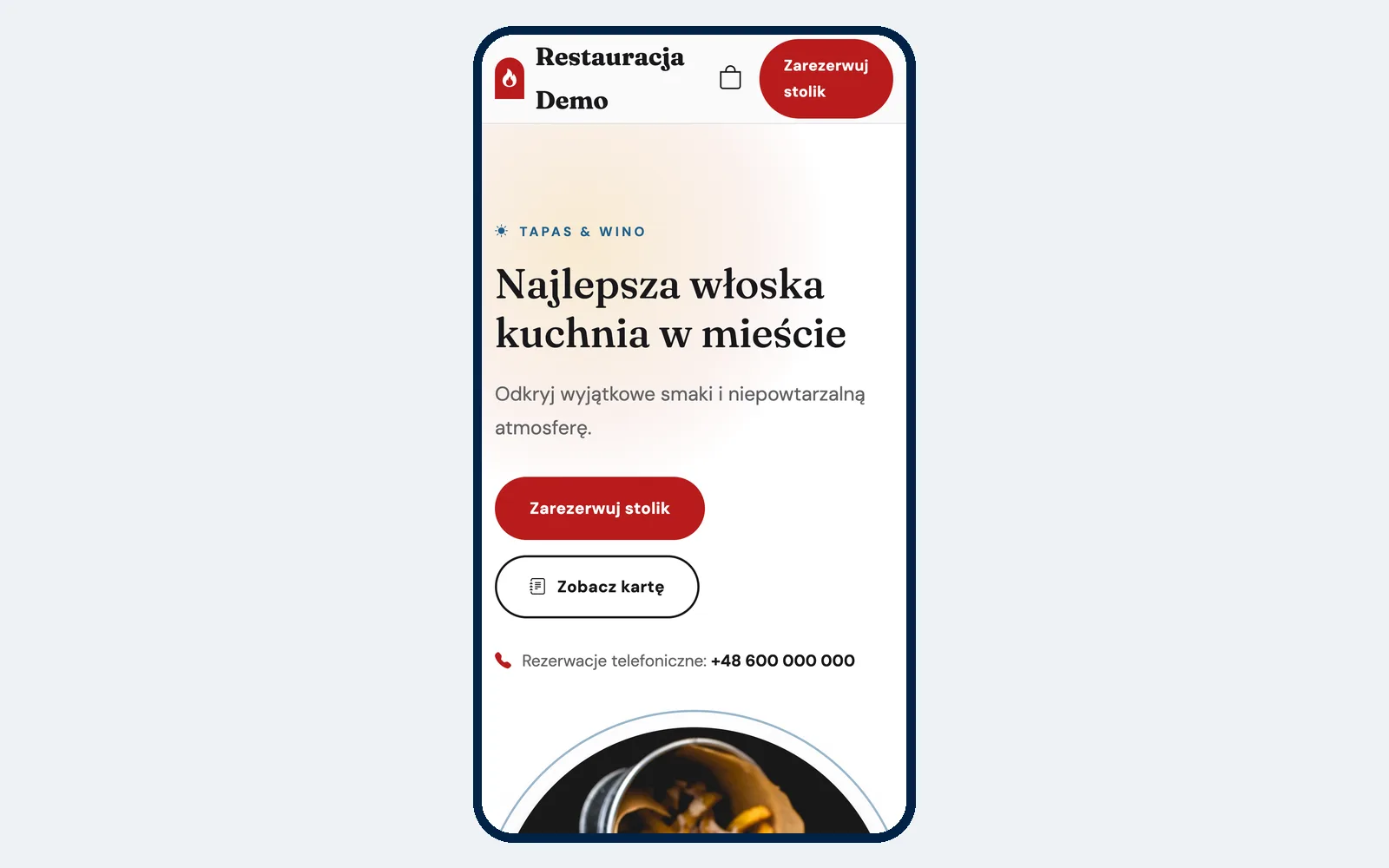
The site must work well on a phone
A good restaurant website should be designed with a person in mind who holds a phone in one hand and wants to find specific information quickly.
Check:
- whether the text can be read without zooming,
- whether the menu requires side scrolling,
- whether the buttons are easy to tap,
- whether photos block the page from loading,
- whether the phone number can be tapped,
- whether an order can be completed from start to finish on a smartphone,
- whether the reservation form is comfortable on a small screen.
Test the site on a mobile connection too, not just on fast Wi-Fi in the venue. A guest may open it in a car, on the street or somewhere with weaker coverage.
Basic local SEO does not have to be complicated
A restaurant does not need an SEO strategy covering thousands of phrases. First, it is worth taking care of the basics that help the search engine and the guest understand where the venue is and what it offers.
Consistent restaurant details
The name, address and phone number should be written the same way on your website and in your business profile on the search engine.
If an old phone number or a different address shows up somewhere, it is worth fixing.
Describe your real offer
The site should have text saying what the venue does. Do not limit all the content to photos.
If you run a pizzeria in a specific city, it is natural to use phrases like “pizza in Opole” or “pizzeria in Opole” on the site, as long as that really matches the location and offer.
Do not, however, repeat a phrase a dozen times artificially. The text should above all be useful to a person.
Dish descriptions are page content too
An HTML menu has an extra advantage over an image or PDF: the names of categories, dishes and their descriptions are normal page content.
That helps the search engine better understand what kind of offer the restaurant has.
Facebook should not be a restaurant's only website
A social media profile is a good communication channel, but it does not give you the same control as your own website.
On a profile:
- posts quickly scroll down,
- the guest has to look for the current menu,
- the page layout is imposed by the platform,
- the platform's rules can change.
Social media is worth using to catch attention, and your own website as the permanent place with the current menu, hours, contact details, orders and reservations.
Subdomain or your own domain?
Not every restaurant has to buy its own domain on day one. At the start, an address on the system's subdomain can be enough.
For example, it works when you:
- are only testing an idea for a venue,
- want to launch a site quickly,
- do not have a settled brand yet,
- do not want to deal with domain setup at the beginning.
Your own domain becomes more important once the restaurant has a permanent name and wants to build a brand for the long term.
What does your own restaurant domain give you?
An address like www.yourvenue.com is above all your own, easy-to-remember brand address.
You can put it:
- on your sign,
- on flyers,
- on packaging,
- in your business profile on the search engine,
- on social media,
- in ads.
Your own domain also gives you more independence from the address of a particular system. If you promote one address for years, guests remember your restaurant's name, not the technology provider's subdomain.
E-mail on your own domain is a separate service
Owning a domain can let you use an e-mail address like contact@yourvenue.com, but a domain alone does not automatically mean you have a mailbox.
You have to set up e-mail with the e-mail or hosting provider you choose. Keep this in mind when planning your infrastructure.
Do not make every change depend on a developer
A restaurant website changes far more often than a classic company business card site.
You may need to:
- change a price,
- add a new dish,
- pause sales of an item,
- add a photo,
- change a description,
- update the hours.
If every such change requires a request to a developer, the update may get put off. After a few months, the site starts to differ from the real offer.
An editor that the owner or manager can use reduces this problem. At the same time, it is worth deciding who on the team is responsible for keeping the information current.
How does a restaurant website work in Ranedo?
In all Ranedo plans you can launch a restaurant website from ready-made templates and edit it without a developer.
The site can include, among other things:
- the restaurant's menu,
- photos and a gallery,
- a contact form,
- online orders.
Messages from the contact form go to the dashboard.
One menu for the website and orders
The menu on the website uses the same data that powers orders. The same menu is also used by the QR menu and the waiter screen, in the features where they are available.
If you change a price or product information in one place, you do not have to update a separate version of the menu meant only for the website.
The menu can include categories, dishes, variants, add-ons, allergens, photos and labels.
Online orders on all plans
From the Start plan, the website can take online orders for pickup, delivery, on-site, and in your own fulfillment methods set by the restaurant.
Orders for later are also possible.
Your own domain on Plus and Pro
In the Plus and Pro plans you can connect your own domain to your Ranedo site, for example www.yourvenue.com.
You buy the domain yourself from any registrar. Ranedo does not sell domains. DNS setup is described step by step in the dashboard.
Online reservations on Plus and Pro
On the Plus and Pro plans, you can offer a table reservation form on the website. Reservations go into the system together with reservations added by staff.
You can read more about organizing this process in the article on online table reservations.
Additional website features on the Pro plan
The Pro extends the website with a few additional features.
Available are:
- a site without the Ranedo footer, that is, a white label option,
- a menu widget you can place on another website,
- an AI assistant for preparing website text, in beta.
The widget can be useful if you already have an extensive website of your own and want to embed a menu powered by Ranedo instead of moving the whole site.
What a good restaurant website should include: a checklist
Go through your website on a phone and check, one by one:
- Is it immediately clear what kind of venue it is and where it is?
- Are the opening hours current?
- Is the menu available without downloading a PDF?
- Are the prices current?
- Do the dishes have clear descriptions and allergen information?
- Can the phone number be tapped?
- Is the address easy to find?
- Can you place an order online?
- Can you reserve a table, if you offer reservations?
- Do the photos show the current venue and offer?
- Does the site work comfortably on a phone?
- Is the information consistent with your business profile on the search engine?
- Can you change a price, photo or description yourself?
If the answer to several of these is “no”, you have a ready list of things to fix. You do not have to rebuild the whole site at once. First fix the information that directly affects a visit or an order.
When is a subdomain enough, and when is it worth connecting your own domain?
A subdomain is a good way to get started quickly. You can launch the site and see how it works without any extra domain setup.
If, however, you are growing the restaurant for the long term, investing in printed materials and sending guests to the site from many sources, your own domain gives you a more lasting brand address.
You do not have to make this decision on day one. You can start on a subdomain and connect your own domain later, when you are ready.
Try a restaurant website in Ranedo
In Ranedo, on all plans, you can launch a restaurant website with a menu, a gallery, a contact form and online orders. On the Plus and Pro plans, you can connect your own domain and offer a reservation form.
Check the plans or Ranedo plans or create an account and use the first month free, with all the features of the plan you choose.
Frequently asked questions
Does a restaurant need its own website if it has a social media profile?
Your own website gives you more control over the menu, orders, reservations and how information is presented. Social media can complement it, but does not have to be the restaurant's only presence online.
Should a restaurant's menu be a PDF?
A PDF can be an extra to download or print, but on the site, an HTML menu adapted to phones is more convenient. It makes browsing categories, descriptions, prices and allergens easier.
Is your own domain necessary from the start?
No. A subdomain can be enough at first. Your own domain makes more sense when you want to build a brand for the long term and promote one restaurant address.
Does Ranedo sell domains and provide e-mail?
No. You buy the domain from any registrar, and on the Plus and Pro plans you can connect it to your Ranedo site. E-mail mailboxes require a separate e-mail service.
Does changing a price in Ranedo update the menu on the website?
Yes. The website uses the same menu as the ordering system, so you do not have to keep a separate version of the menu just for the website.